
Recap
Xcode 12 lets us add custom SwiftUI views and modifiers to the Xcode library. The Xcode library makes it easy to for our views to be reusable in everywhere.
Benefits:
Discoverability
Learning
Visual Editing
How to extend the Xcode library
In order to donate views and modifiers to the Xcode library, we need make create a new object conforming to the LibraryContentProvider protocol, which returns an array of library items.
public protocol LibraryContentProvider {
    @LibraryContentProvider
    var views: [LibraryItem] { get }

    @LibraryContentProvider
    func modifiers(base: ModifierBase) -> [LibraryItem]
}
Adding a Custom View
We can add custom Views to the Xcode Library by implementing the views property of the LibraryContentProvider protocol:
struct LibraryContent: LibraryContentProvider {
    @LibraryContentProvider
    var views: [LibraryItem] {
        LibraryItem (
            SmoothieRowView(smoothie: .salak),
            category: .control
        )
    }
}
Now we can conveniently reuse our SmoothieRowView view via the Xcode library.
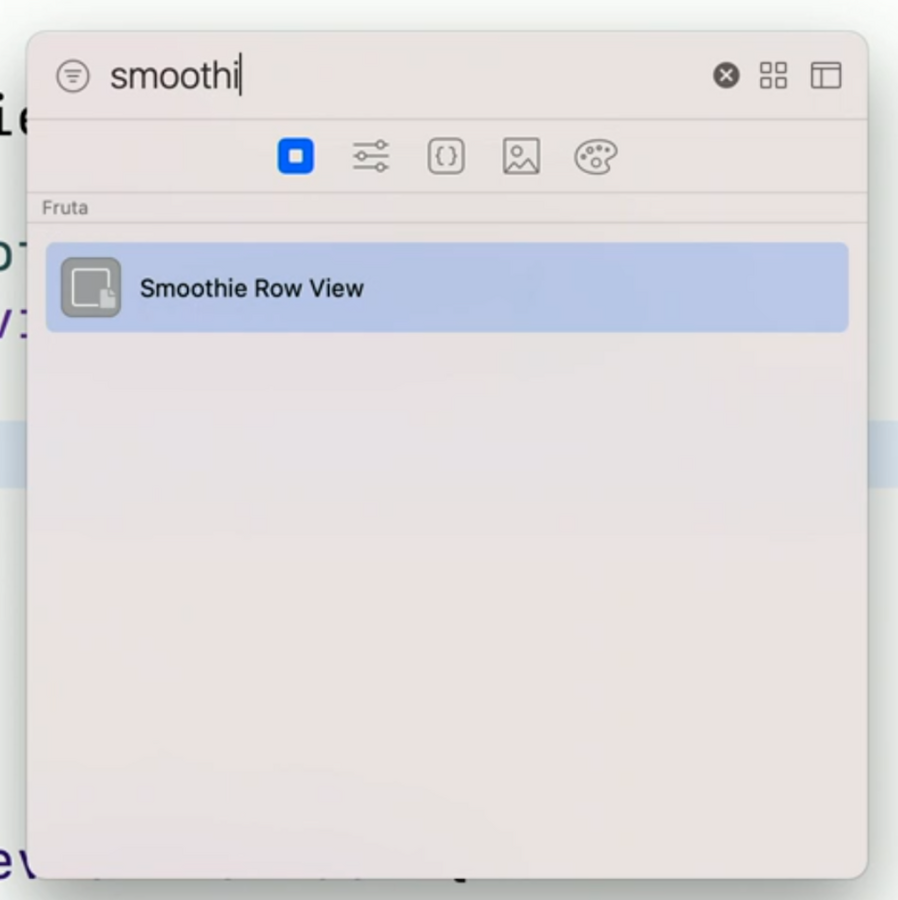
We can improve our LibraryItems by adding more information such as:
a title for the item in the library
a category for the item in the library title
an alias (via
matchingSignature), used by the code completion engine to insert or view among the possible code completions.
Adding a Custom Modifier
Similarly to Views we can also add modifiers to the Xcode library.
Let’s say that we have the following modifier for example:
extension Image {
    func resizedToFill(width: CGFloat, height: CGFloat) -> some View {
        self
            .resizable()
            .aspectRatio(contentMode: .fill)
            .frame(width: width, height: height)
    }
}
We can add this custom .resizedToFill modifier to the Xcode Library by implementing the modifiers(base:) of the LibraryContentProvider protocol:
struct LibraryContent: LibraryContentProvider {
    @LibraryContentBuilder
    func modifiers(base: Image) -> [LibraryItem] {
        LibraryItem (
            base.resizedToFill(width: 20, height: 20)
        )
    }
}
Result:
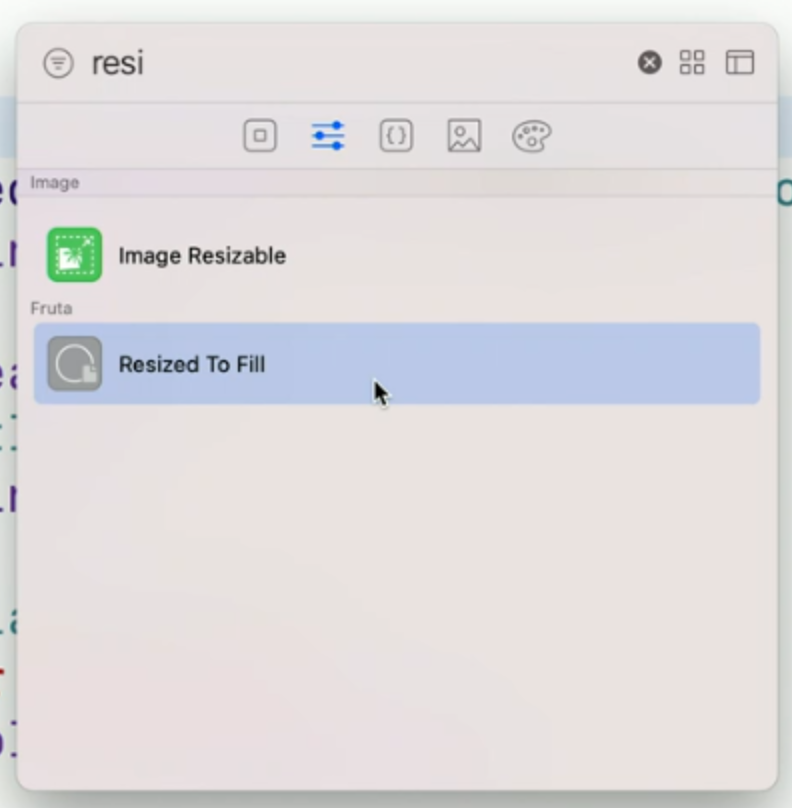
Now we can easily search the method name in your Xcode library.
