
What are App Clips?
Lightweight versions of our main apps
They only offer some of our app functionality
They offer said functionality only when and where the user needs it
Fully native
Instant
Meant for people that have not downloaded our main app
Apps don’t live on the device, they will be removed for the user by the system when they’re deemed as no longer needed
Discovering App Clips
Found in physical places tags
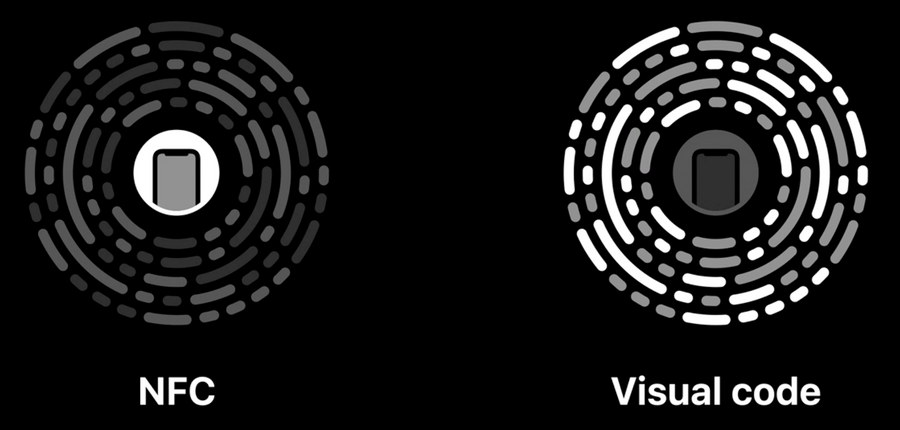
The new App Clip code comes with both an NFC tag, right in the middle, useful when the user can come up close to it, and a visual, QR-like, code on the outside around it, which can be useful if the user can’t get too close, maybe because the code is on a billboard or similar.
Found also in built-in apps
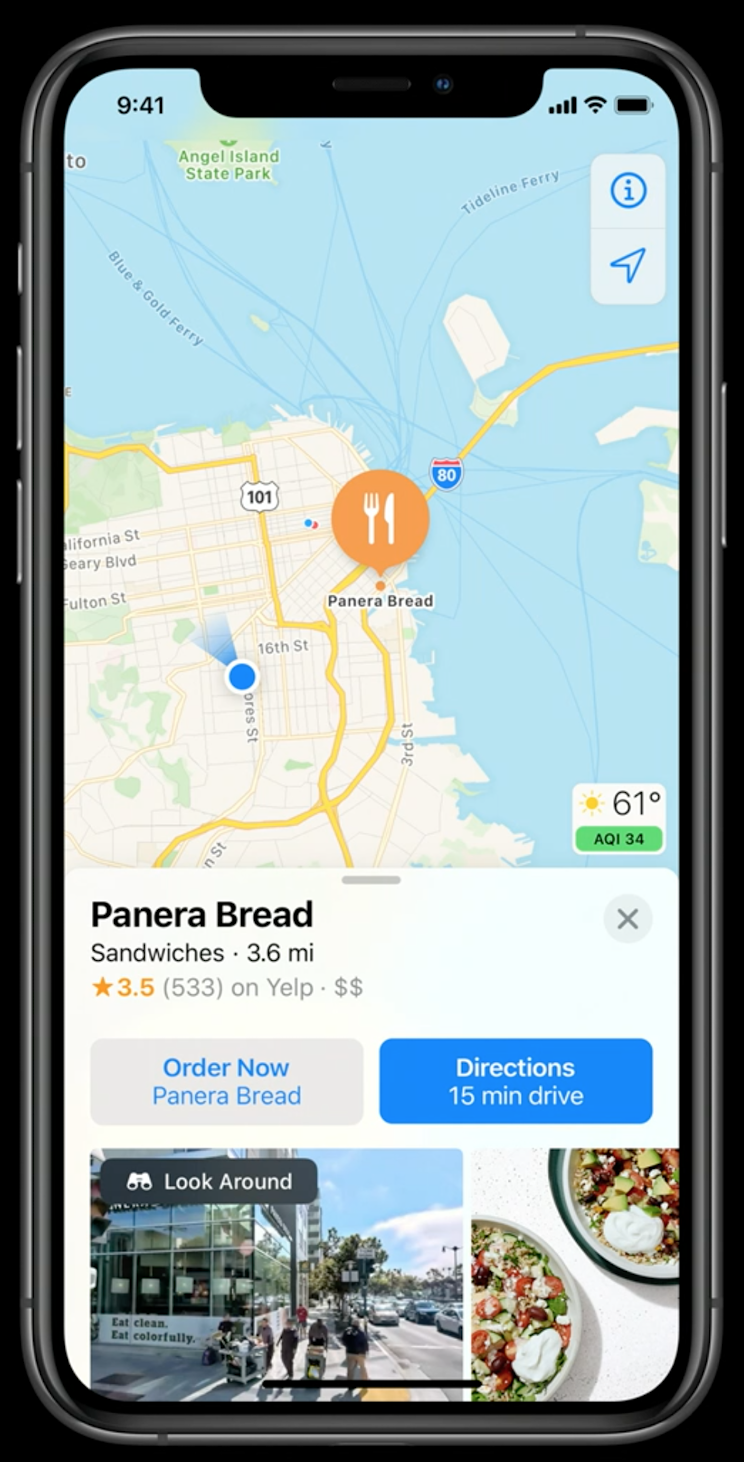
Maps
You can also attach app clips to locations. This way your app clip might show up in maps which lets people use the app clip before they actually get to the place itself.
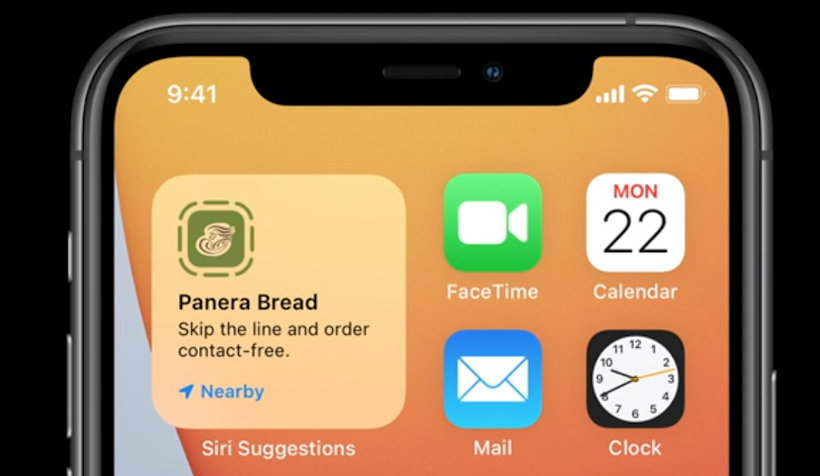
If the app becomes frequently used in a specific location, it will even show up in Siri Suggestions:
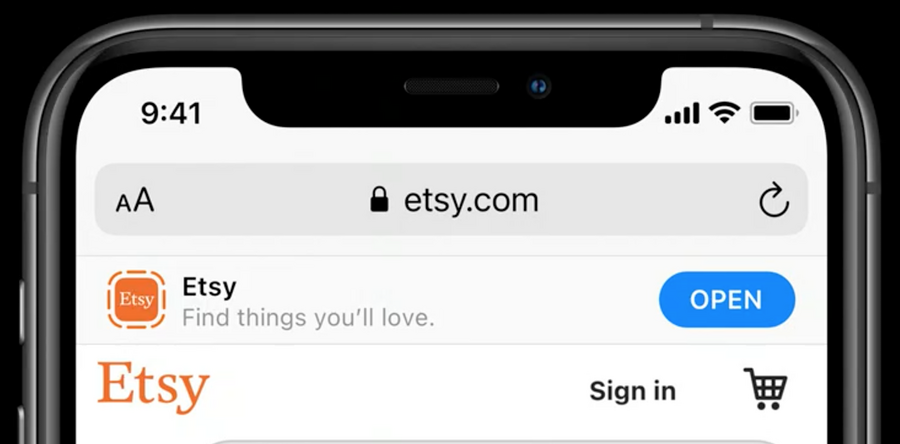
Safari
Like previously with apps, we can now show a smart app banner with the App Clip instead of the main app:
Messages
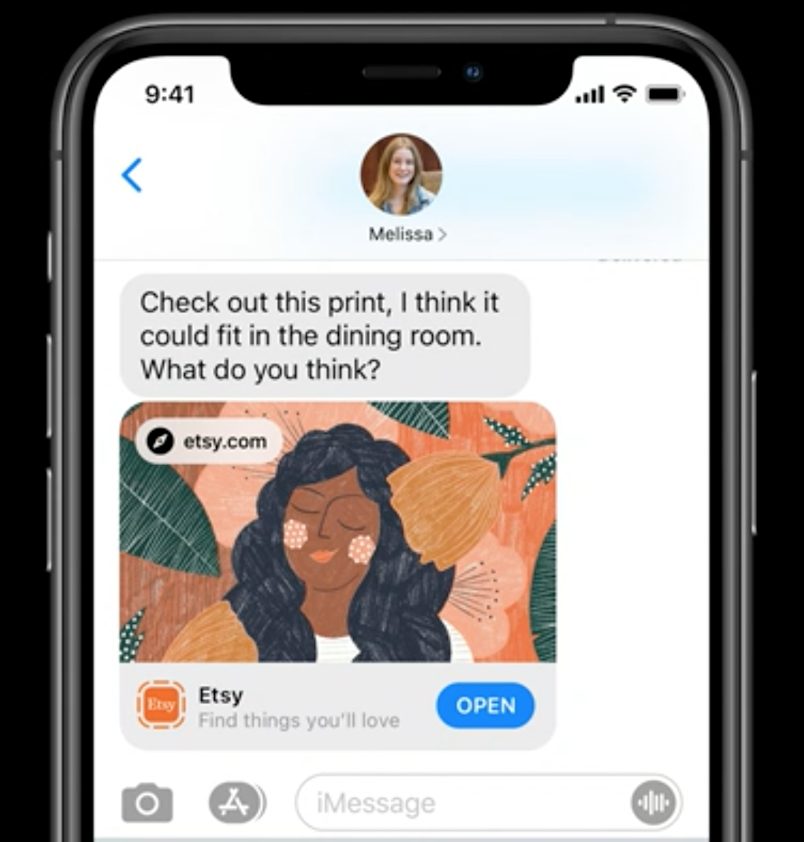
If you have a webpage with a smart app banner, and a user share a link to that page in messages, people can go directly from messages right into the app clip:
Designing for App Clips
Icon
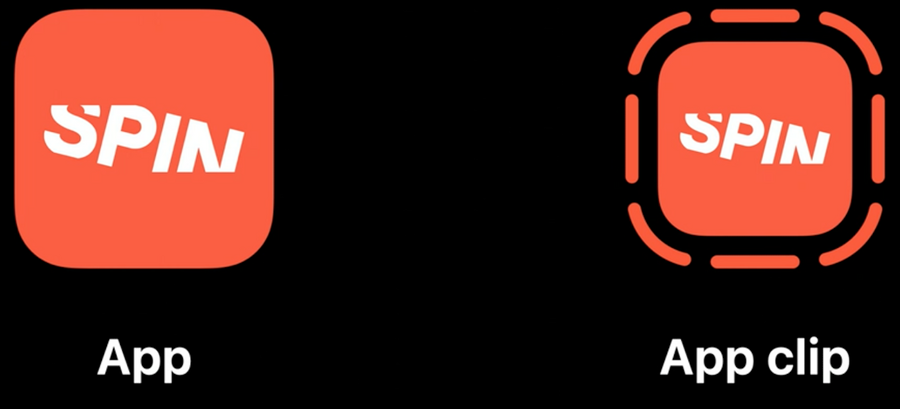
The main App Clip icon is generated automatically for you:
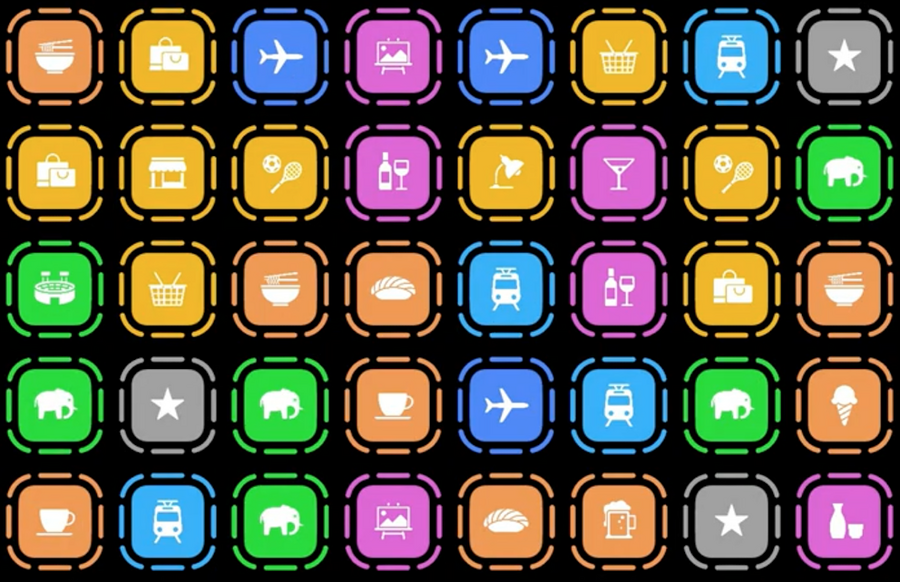
If your app creates App Clips for other physical businesses, you can have custom icons for each clip:
For more, refer to the Create app clips for other businesses session
Concepts
App Clips are simple
App Clips they’re built to let the user accomplish a task
App Clips are fast
Approach to App Clips
Purpose: think what your App Clip is for, define what is the single task that the App Clip accomplishes
Minimum Flow: think what is the minimum flow to accomplish that task, remove everything else
Offer the full app: once the task is complete, you can offer the user to download the full app
Tips
Narrow down you full app into a single feature
avoid onboardings, introductions, etc
avoid using log-ins
avoid tabs or other kind of global navigation
no settings
Notifications
By default App Clips can send notifications up to 8 hours since their launch.
If the App Clip request for notifications permission, this time is extended up to one week.
Keep notifications on the specific App Clip task
Do not send unsolicited notifications
For more information, see the App Clips’s Human Interface Guidelines
