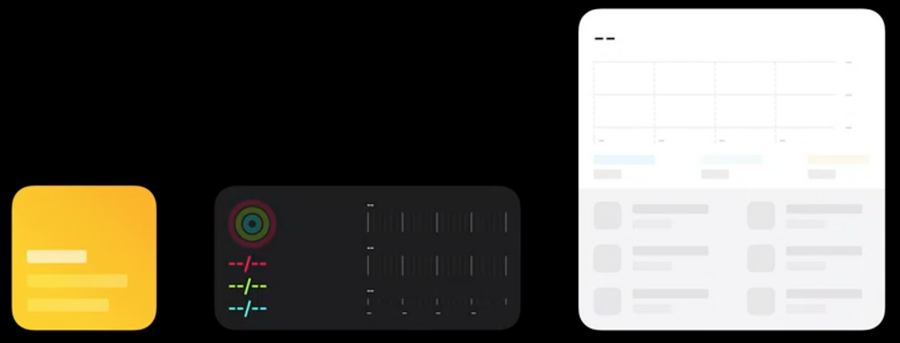
Ideation
Widgets are all about content
Determine the most useful information and experiences are that people return to your app for.
Principles
When looking for ideas think of the following three sectors:
Personal
Informational
Contextual
Apple examples:
calendar.app:shows the current date and upcoming appointment, with start time and location.
if multiple events are upcoming, the appointments are collapsed and only the relevant information are shown (such as start time and event name)
photo.app:shows best photos (not just recent ones), memories
weather.app:shows today forecast at the current location
maps.app:shows where your car is parked
shows the location of an upcoming calendar event
shows ETA to go back home
Editing
When the springboard is in edit mode, you can tap on a widget to flip it around and see what configurations are available
Apple examples:
weather.app: lets us pick the place of the forecast: a fixed location (e.g. Tokyo) or use the device current locationclock.app: lets us choose which country times we would like to display
Offering Multiple Widgets
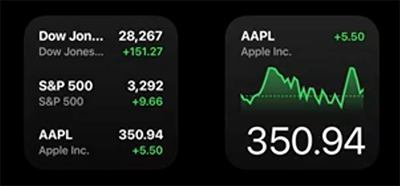
stocks.app:one offers a glanceable compact summary of your watchlist information
one offers a single stock symbol as a separate widget to keep track of it at a higher resolution
Creation
Sizes
Three sizes:
small (same as a 2x2 icon grid), supports one tap target
medium (same as a 2x4 icon grid)
large (same as a 4x4 icon grid)
Tap Styles
Tapping a widget should deep link into your app to the content displayed in the widget, there are three tap styles:
fill style: any tap has the same effect, perfect when the widget displays a single piece of content.
cell style is best for when you’re selecting a piece of content in a widget that lives in its own shape.
content style is great for when you’re selecting a piece of content that lives un-contained in a widget.
Content and personality
the widget should look like an extension of your app.
you can also take inspiration from your app icon.
Patterns
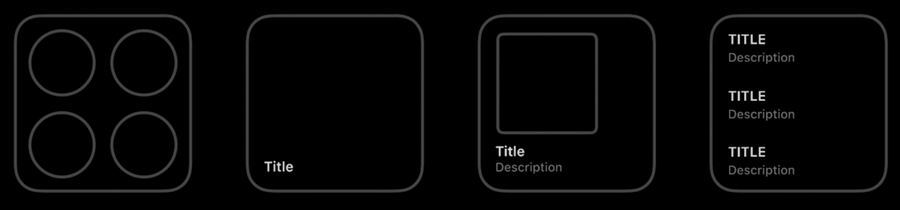
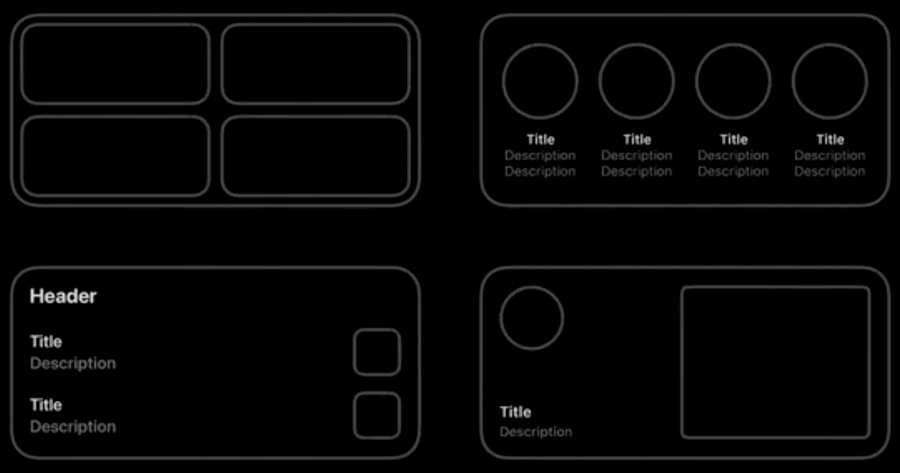
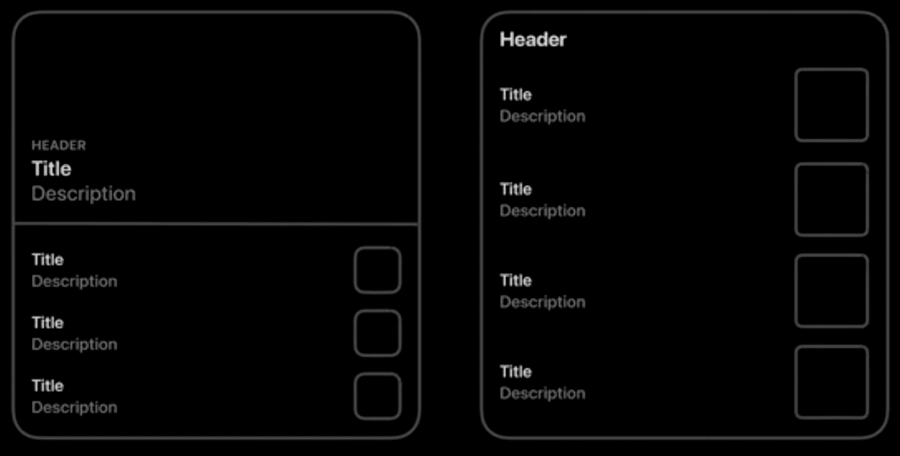
Every widget must provide a placeholder which is shown when the system has no way of displaying your widget’s data. You should show the base graphical elements in this state and block in areas of text where your information is shown in the layout.