
UIControls New Design and Appearance
UISliderandUIProgressViewhave now more consistent UI across all platformsUIActivityIndicatorViewandUIPickerViewhave new designs as well
UIPageControl
UIPageControlcan now be scrubbed and scrolled when the number of pages doesn’t fit the available space.UIPageControlcomponents such as indicators can now be customized via the following API:
let pageControl = UIPageControl()
pageControl.numberOfPages = 5

pageControl.backgroundStyle = .prominent

pageControl.preferredIndicatorImage =
    UIImage(systemName: "bookmark.fill")

pageControl.setIndicatorImage(
    UIImage(systemName: "heart.fill"), forPage: 0)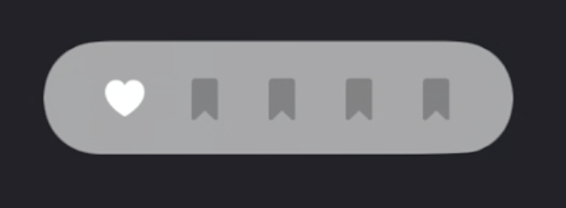
UIColorPickerViewController
New
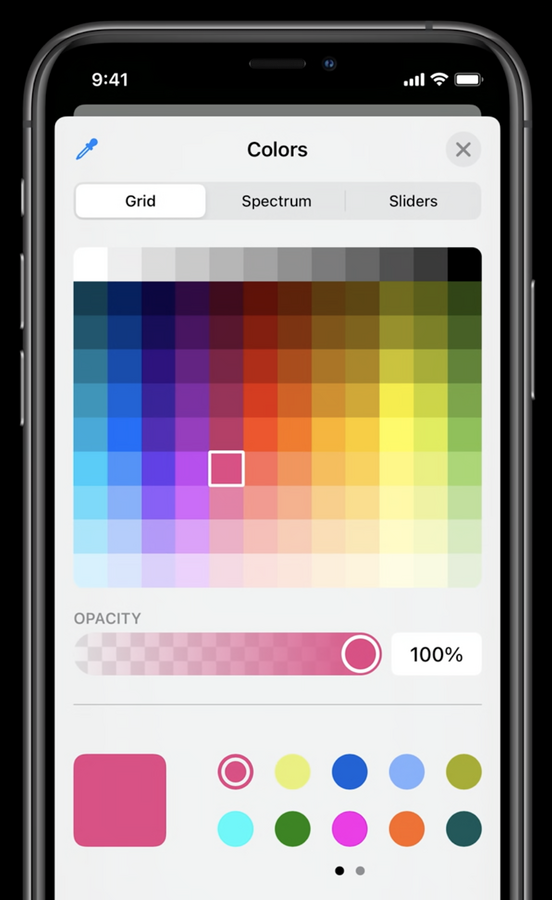
UIColorPickerViewController, presented as a sheet and featuring eyedropper, favorites, and hexadecimal specification
var color = UIColor.blue
var colorPicker = UIColorPickerViewController()

func pickColor() {
    colorPicker.supportsAlpha = true
    colorPicker.selectedColor = color
    self.present(
        colorPicker,
        animated: true,
        completion: nil
    )
}

func colorPickerViewControllerDidSelectColor(
    _ viewController: UIColorPickerViewController
) {
    color = viewController.selectedColor
}

func colorPickerViewControllerDidFinish(
    _ viewController: UIColorPickerViewController
) {
    // Do nothing
}
UIDatePicker
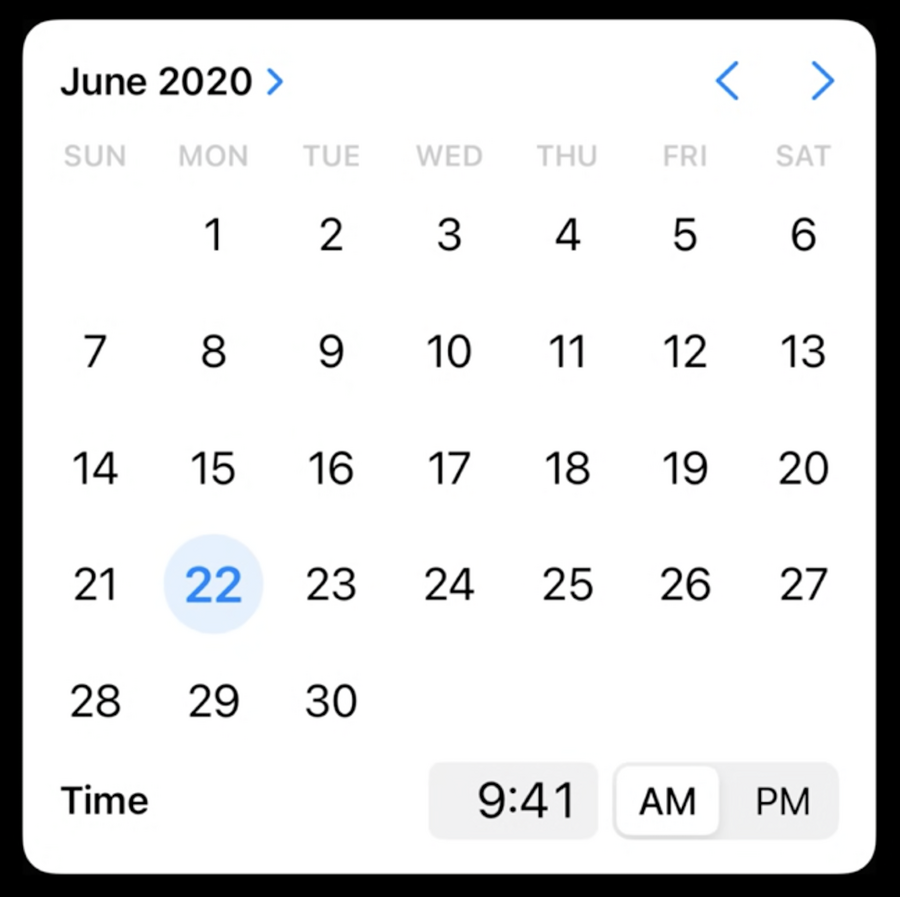
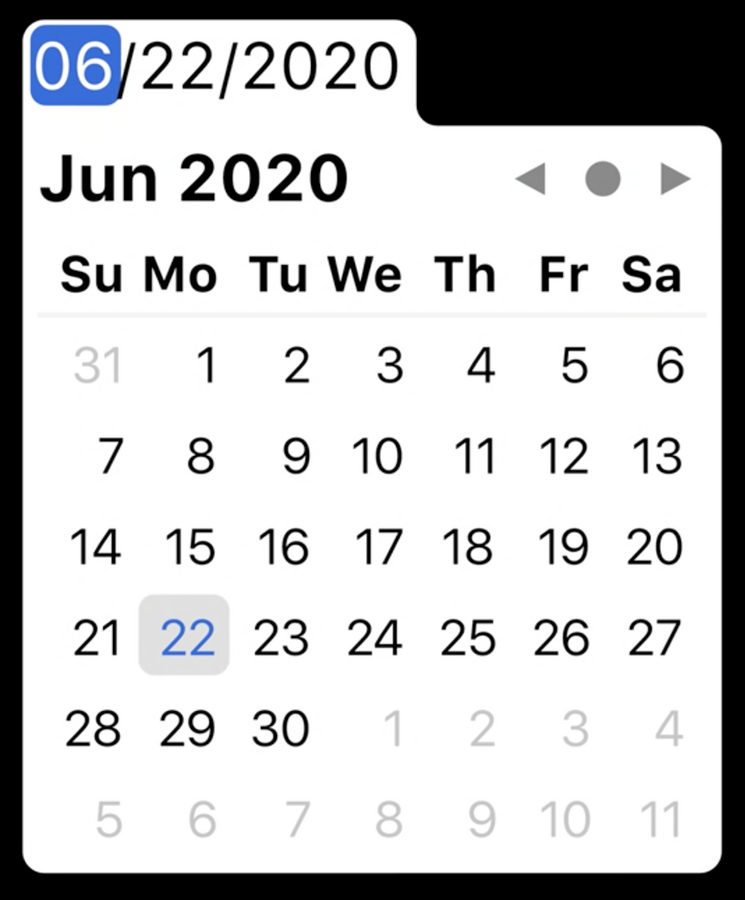
UIDatePickernow offers a compact style, and we can optionally limit selection to just a date or time.
let datePicker = UIDatePicker()
datePicker.date = Date(
    timeIntervalSinceReferenceDate: timeInterval
)

datePicker.preferredDatePickerStyle = .compact

datePicker.calendar = Calendar(identifier: .japanese)
datePicker.datePickerMode = .date

datePicker.addTarget(
    self,
    action: #selector(dateSet),
    for: .valueChanged
) |  |
|---|---|
| iOS / iPadOS | macOS |
UIMenu
In iOS, we can now add
UIMenus toUIButtonsandUIBarButtonItems displayed to the user on a long press:
button.menu = UIMenu(...)

barButtonItem.menu = UIMenu(...)
We can also adjust the behavior of menus to show immediately on touch down instead of waiting for a long press by:
button.showsMenuAsPrimaryAction = trueforUIButtonNot providing a primary action for
UIBarButtonItem
UINavigationBarback button now gets a default menu as well (to let the user jumps back to a previous controller quickly). Menu titles are automatically chosen, if we’re currently using a custom title view in our controller, consider setting:.backBarButtonItem.title.backButtonTitle.title
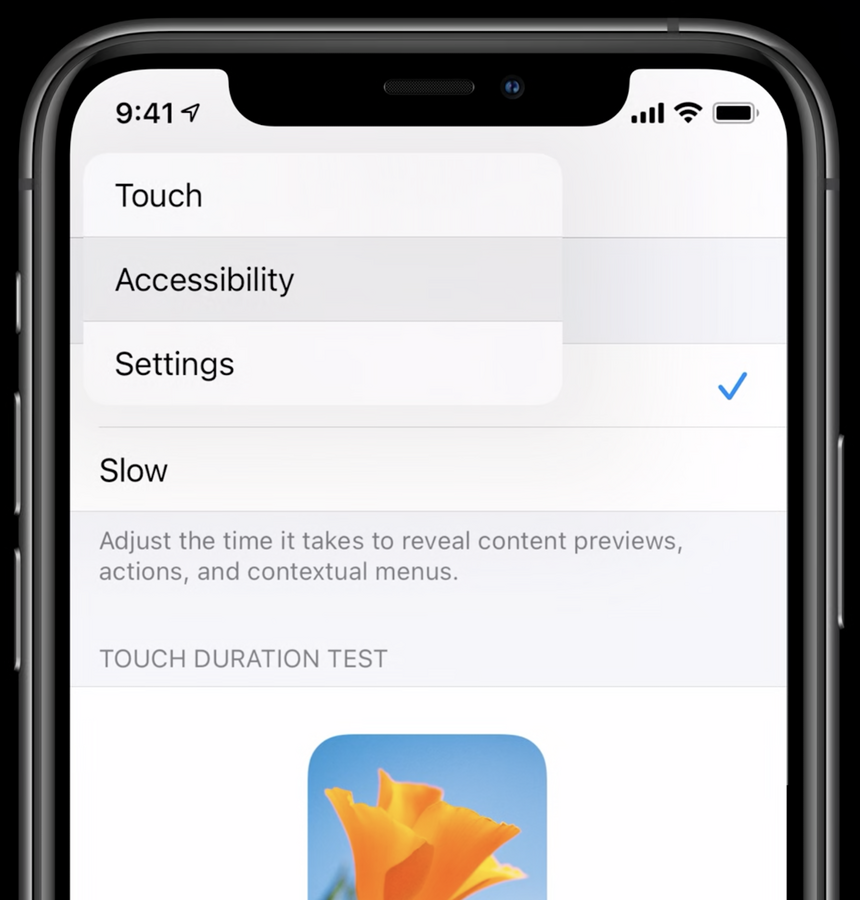
We can access
UIControlinteractions and their properties, and we can subclassUIControland provide a custom implementation for our custom menu based UIsWe can use
UIDeferredMenuElementto add the ability to load menu items asynchronously while showing a standard loading UI.
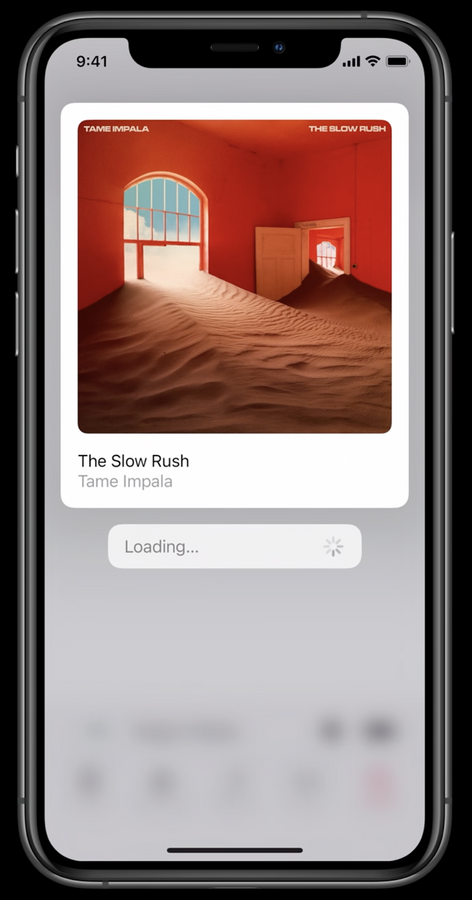
UIAction
UIActioncan now be directly passed toUIButton,UIBarButtonItem, andUISegmentedControlinitializers.UIButtoninitializerinit(type:primaryAction:)defaults theUIButtontype to.system, which sets the button’s title and image to that of the primary action (primaryAction.titleandprimaryAction.image)We can now create
UISegmentedControlas easy as:
let control = UISegmentedControl(frame: .zero, actions: Colors.allCases.map { color in
	UIAction(title: color.description) { [unowned imageView] _ in
		imageView.tintColor = color.color()
	}
})