
Key Takeaways
🌈 Liquid Glass dynamically bends light and moves like gel
🧠 Liquid Glass responds to the surrounding content
🧭 Best used for the navigation layer
🎨 Tint components to bring emphasis to primary elements
Presenter
Chan Karunamuni, Apple Design Team
Shubham Kedia, Apple Design Team
Bruno Canales, Apple Design Team
What is Liquid Glass
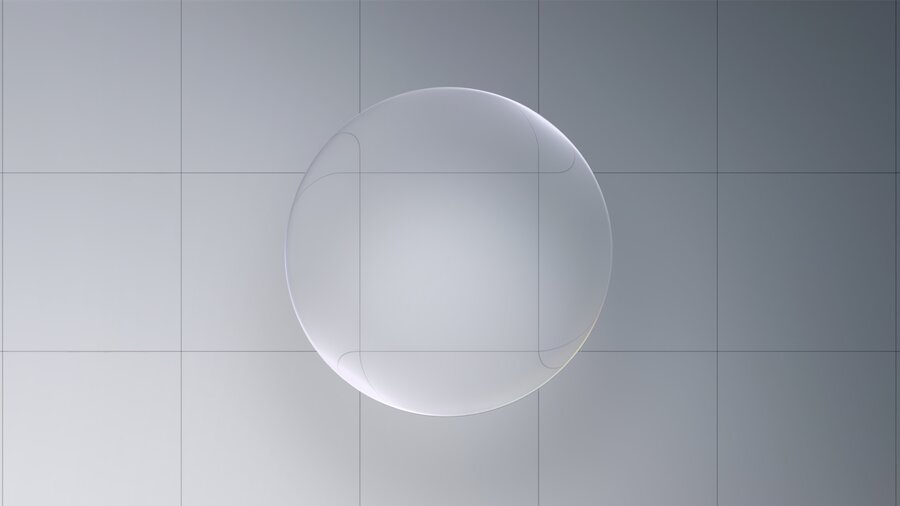
A new “material” that dynamically bends and shapes light and moves like a light weight liquid
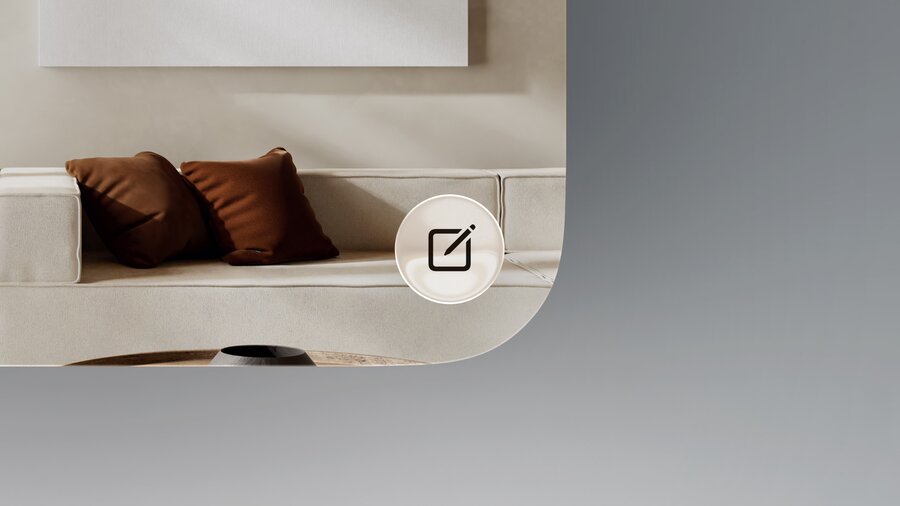
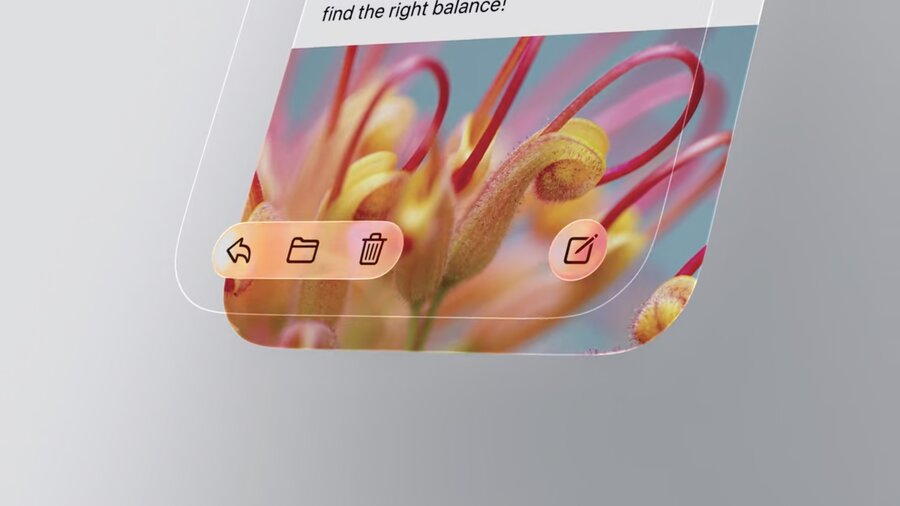
Designed to be rounded forms that float over content of an app
Previous materials focused on scattering light, while liquid glass bends light
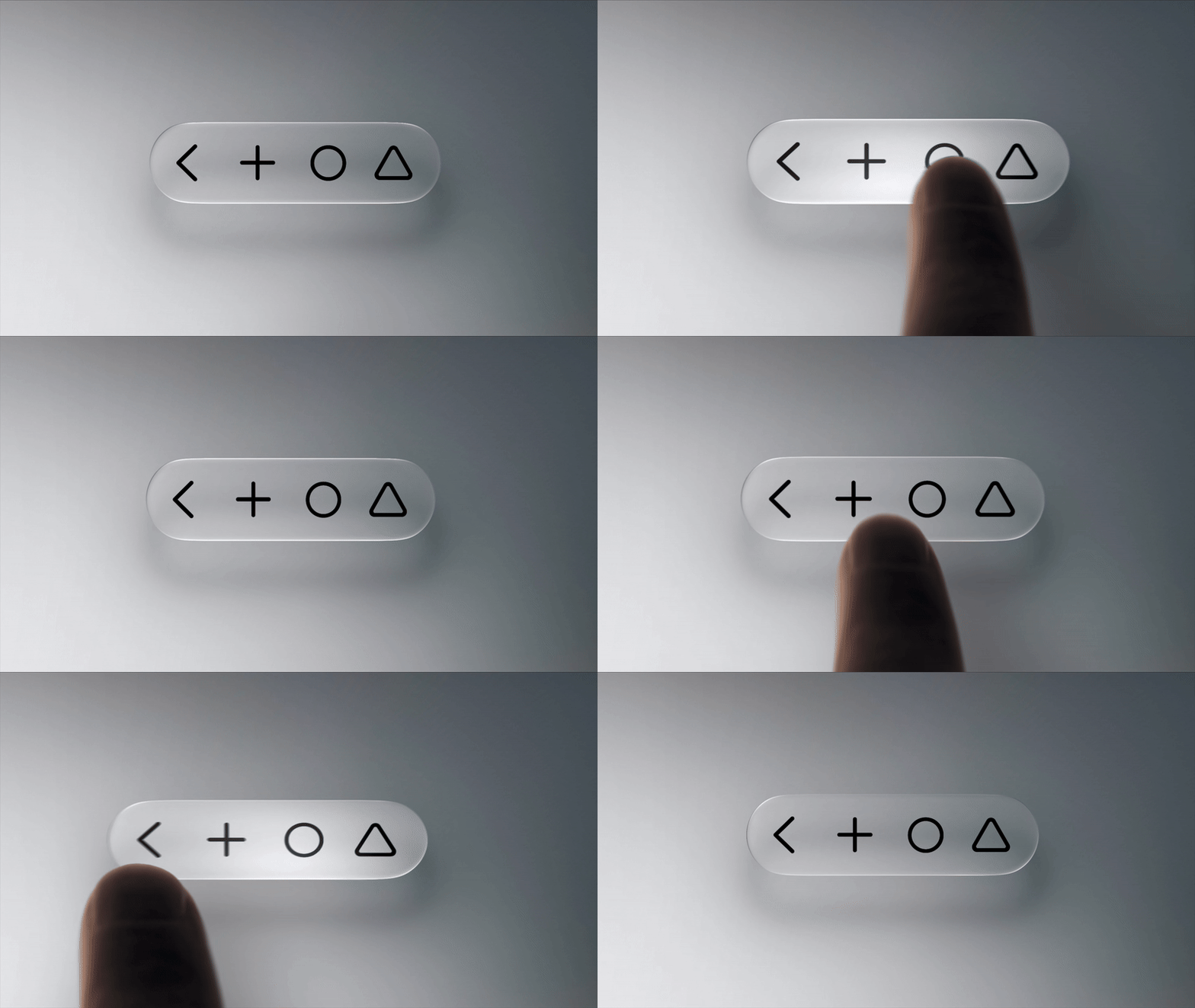
On interactions, Liquid Glass will flex and energize with light
Liquid Glass moves with gel-like flexibility in tandem with interactions
Elements can temporarily lift up into Liquid Glass when interacting with a component.
Adaptivity
Liquid Glass components respond to the surrounding content
As text scrolls underneath, shadows become more prominent to create separation
Components can independently switch between light and dark mode
Light from colorful content nearby can spill onto its surface
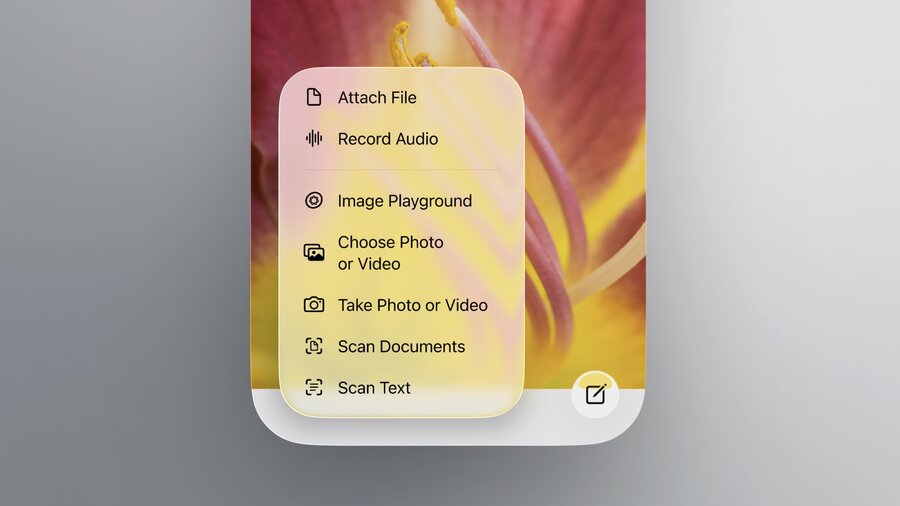
The size of a Liquid Glass components also effects the appearance
Larger elements simulate a thicker more substantial material
Shadows and scattering of light also increase with component size
How to use Liquid Glass
Best used for the navigation layer that floats above the content of an app
Avoid stacking glass on glass
When placing elements on top of Liquid Glass use fills and transparency for visual separation
Variants
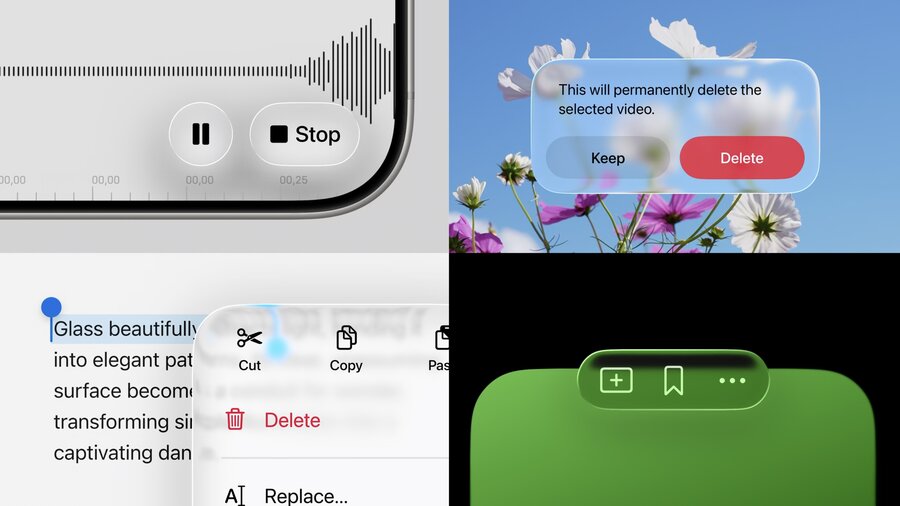
2 variants of Liquid Glass: Regular and Clear
Do not mix the variants
Regular
More versatile than clear and will be used more frequently
Retains all adaptive behaviors previously discussed
Clear
Does not have adaptive behaviors
Permanently more transparent to allow content underneath to come through
Only use when the following conditions are met:
  1. Elements are over media-rich content
  2. Content will not be negatively affected by a dimming layer
  3. Covered content is bold and bright
Tinting Liquid Glass
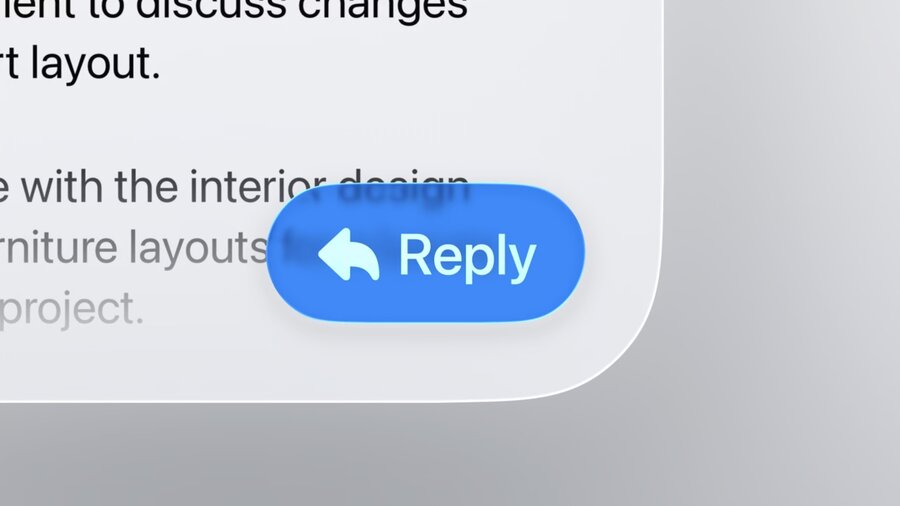
Tinting allows you to apply color to Liquid Glass while staying consistent with the material
Tints should only be used to bring emphasis to primary elements
