
Animation Presets
New animation presets: Wiggle, Rotate, and Breathe
Updates to: Replace, Variable Color
Wiggle
Use to highlight changes or call to actions. Direction and emphasis are built-in.
Use Wiggle to help users find the way around the app by calling out the next step.
A custom angle can be specified to wiggle diagonally directed icons like ✈️ correctly like so:
Rotate
Use for example when a task is in progress, to confirm that it is working as expected.
Use bi-layer rotation option to rotate only parts, e.g. for a fan icon to spin only the blades.
You can indicate an in-progress action even in Live Activities.
Breathe
Looks similar to Pulse. Prefer Breathe whenever you want an icon to look more “life-like”, like a heart.
Magic Replace
New option for Replace. A smart transition between two symbols. Only works if symbols are related.
Off-Up animation is used when changing to unrelated symbols, which is ideal for tappable elements.
Magic Replace works even with your own symbols if you re-export your symbols from SF Symbols 6.
Apple encourages us to use it wherever possible to replace icons.
Variable Color
Improved animation of opacity based on what makes sense for the symbol.
Using too many animations, or animations in the wrong context can make it feel overwhelming and distracting. It can bring the attention away from important actions. Use them intentionally and purposefully.
SF Symbols app
All new presets available in the animation inspector (right sidebar)
You can repeat with delay, or use animation as intro / outro
Changing the default animation for custom symbols is possible
Selecting which layer moves on rotate is possible, too
Use “snap to points” button to center the anchor point of the rotation
New symbols
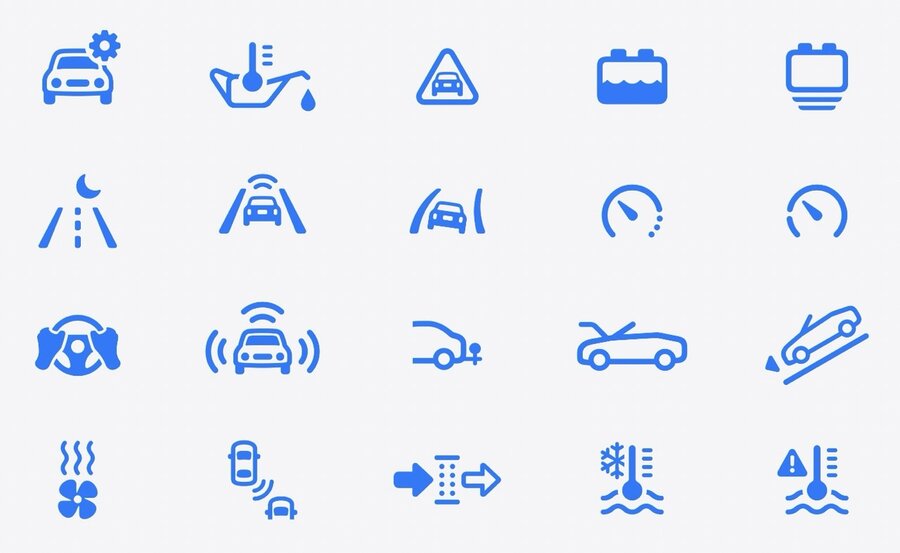
Automotive category was expanded:
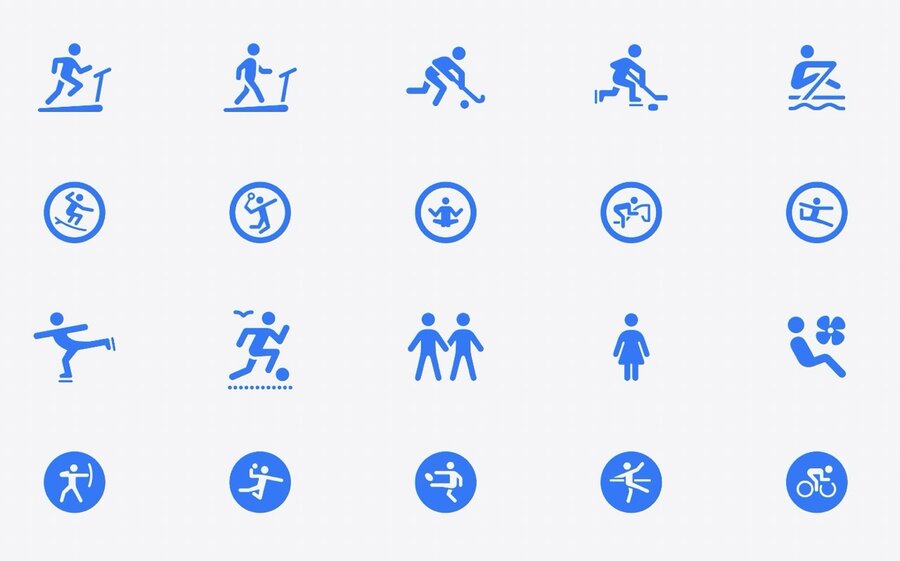
New activity figures:
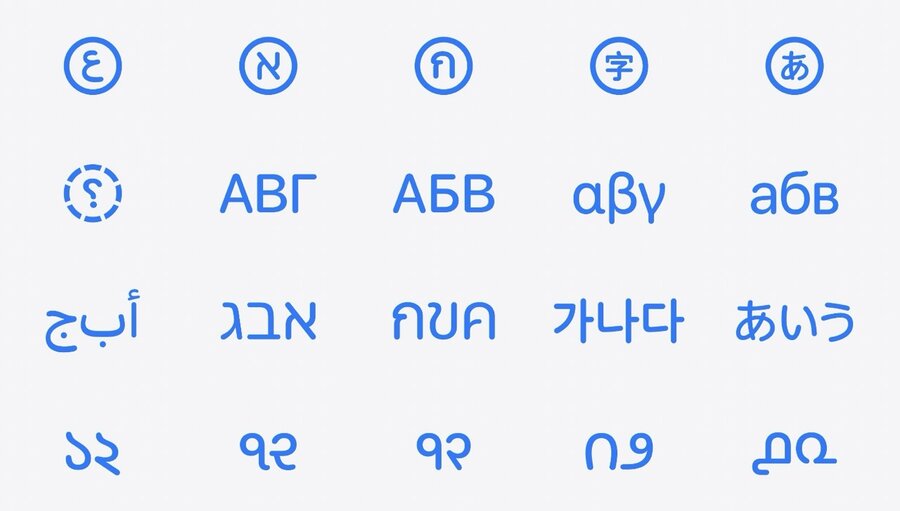
New localized symbols:
New progress indicators, haptics, home, and widget-related symbols:
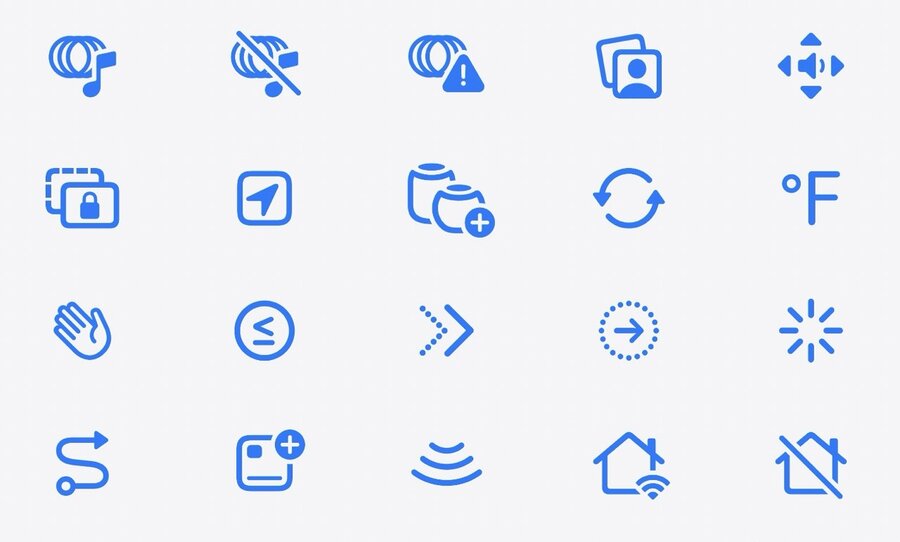
Overall, there are more than 800 new symbols, leading to more than 6,000 symbols in total.
