
Key Takeaways
Track changes to your Data Store over time
With History functionality you can track transactions and their history
Tombstones to preserve specific values on a model after deletion
Custom Data Stores can implement History
Fundamentals
Without this feature, You can query the data at the Data Store at a given time, but you can’t know how you got there.
History functionality allows you to track the path taken to get there.
Now, with SwiftData History, your app now can query and process changes preserving the order of occurrence.
How it works:
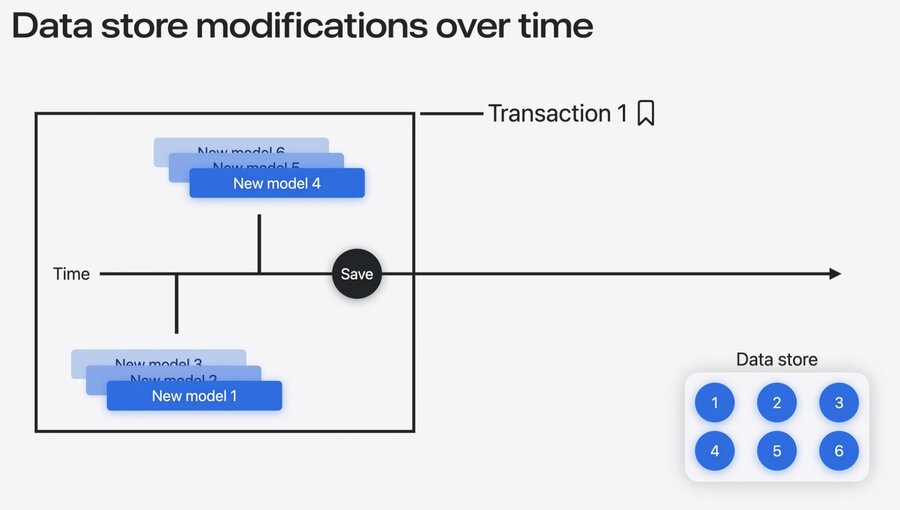
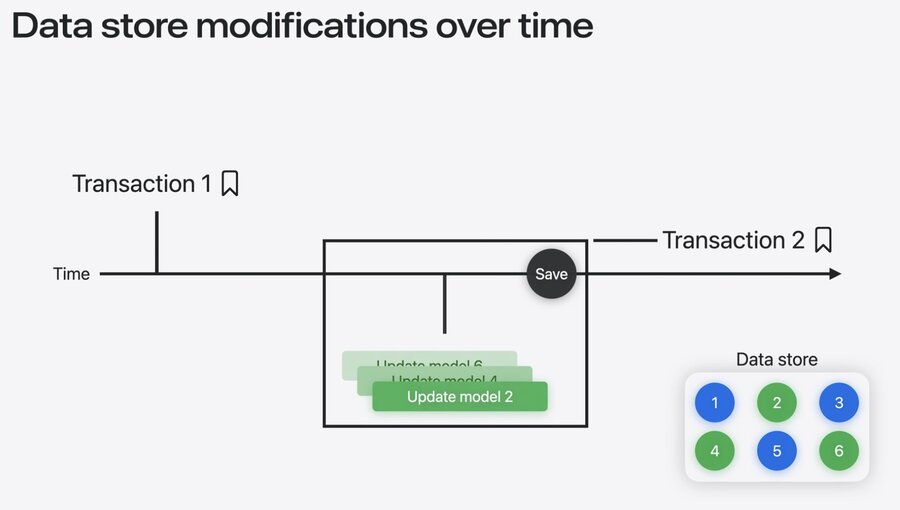
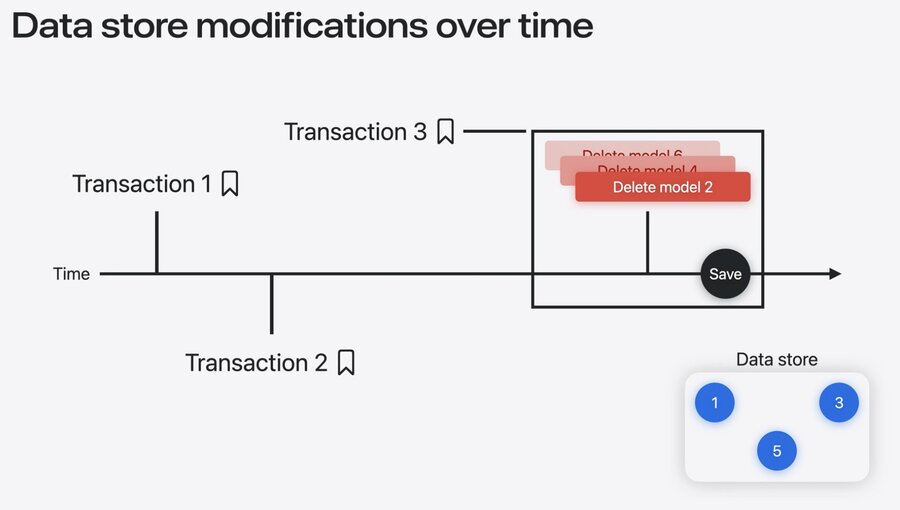
When your model is saved, records a transaction.
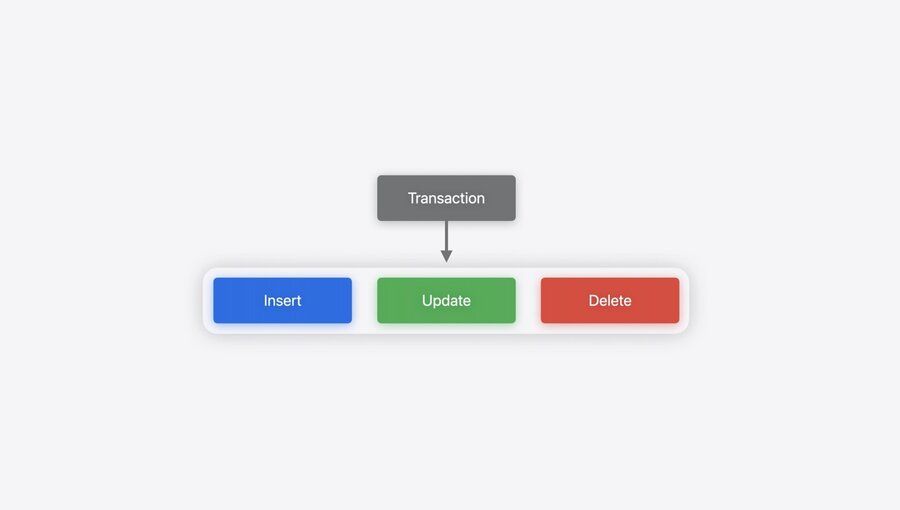
A transaction:
contains a set of changes in the Store,
at a given point in time,
ordered by the time they occurred
A bookmark/token for the transaction allows the developer track the last changes in the store processed by the consumer (typically the view)
Tokens from deleted objects in the Store are not valid anymore for history fetching once the deletion happens.
To preserve history of deleted values, tombstones are introduced
You can mark an attribute as
preservevalueondeletionin order to preserve specific attributes on history
Custom Stores
Custom Data Stores can support history
Add history functionality to your custom Data Store by implementing Data History API for your own Store:
Transactions
Change types
Tokens (as bookmarks between changes)
History providing (clear boundaries between transactions)
