
Key Takeaways
👆 Segment any object with tap-to-segment
🧠 Analyze images with Foundation Models
🛠️ Build image-based tools with Vision and tool calling
⌚ Vision now supports watchOS
Segment images with tap-to-segment
Vision’s tap-to-segment API: choose any object in an image to segment
Several ways to select an object:
Choose a point - good for simple objects
Draw a bounding box around the objects - for complex objects
Draw a lasso around an object
Draw a scribble
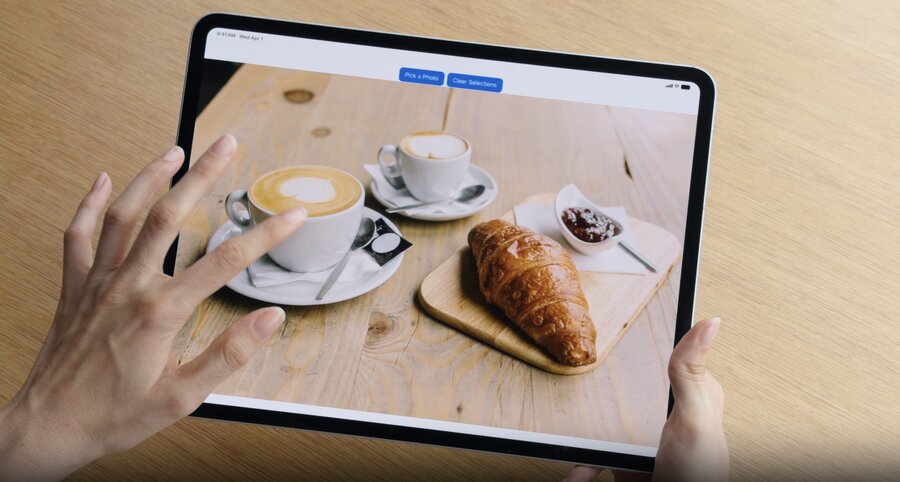
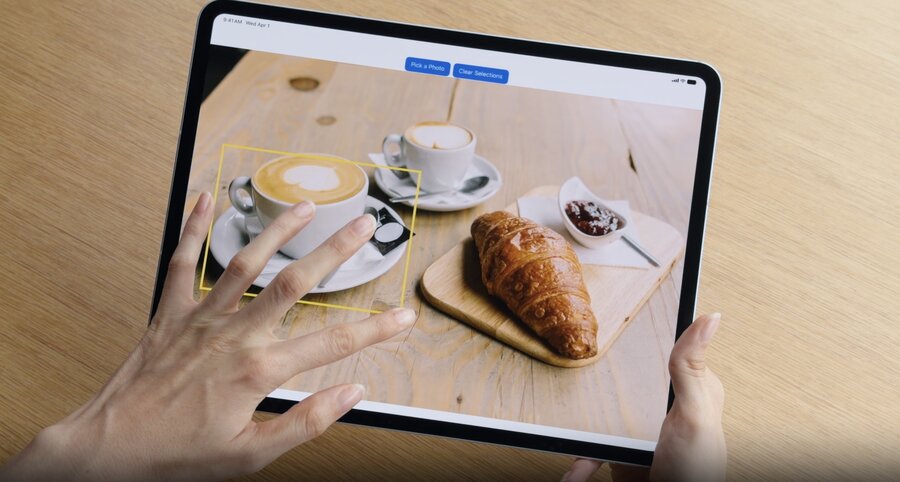

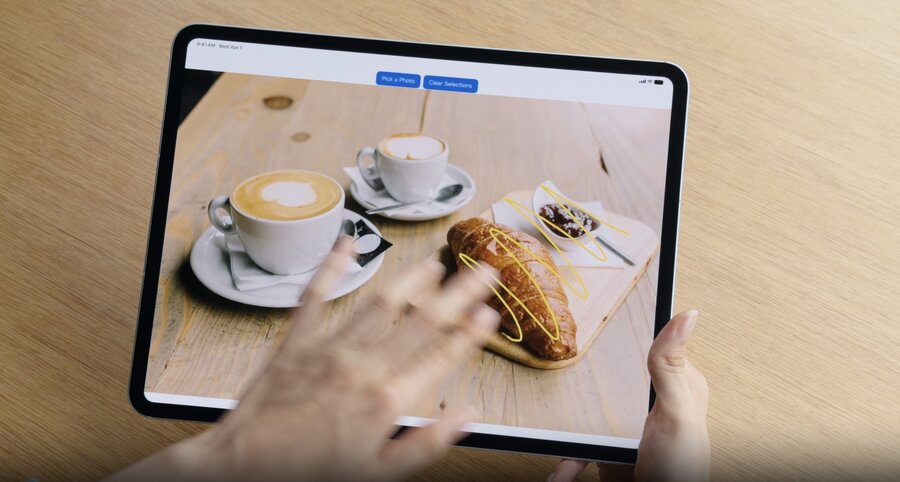
GenerateIterativeSegmentationRequest- generates a mask of the segmented object
let handler = ImageRequestHandler(image)
let request = GenerateIterativeSegmentationRequest(point: point)
let observation = try await handler.perform(request)
let mask = observation?.pixelBuffer

// Refine the mask with a new point
request.addIncludedPoint(newPoint)
let refinedObservation = try await handler.perform(request)Download the model before performing the request using request.downloadAssets()
Analyze images using Foundation Models
Models do well at descriptive tasks, e.g. generating captions
Simple API
import FoundationModels

let prompt = Prompt {
    "Generate a caption for this image"
    Attachment(image)
}
let response = try await session.respond(to: prompt)
let caption = response.content
Multiple ways to analyze images:
Foundation Models: uses an LLM, works across a wide range of tasks
Vision framework: uses a fixed set of CV APIs, optimized for specific tasks, and fast
Create image-based tools
Don’t always have to choose between Vision and Foundation Models
Bring Vision’s expertise into Foundation Models through tool calling
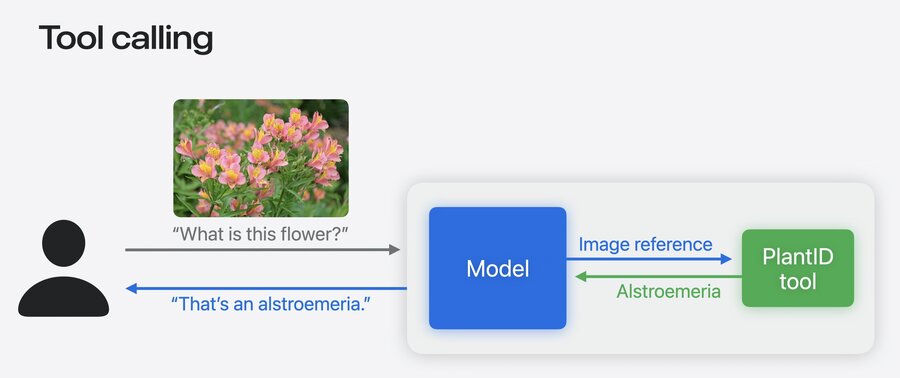
Tool calling supports image arguments - pass a reference to the image, not the whole image
// Create an image-based tool

import FoundationModels

struct PlantIdentifierTool: Tool {
    @SessionProperty(\.history) var history

    @Generable
    struct Arguments {
        var image: ImageReference
    }

    func call(arguments: Arguments) async throws -> String {
        let imageReference = arguments.image
        let transcript = Transcript(history)
        guard let imageAttachment = imageReference.resolve(in: transcript) else {
            throw AppError.imageNotFound
        }

        let image = try imageAttachment.pixelBuffer()
        return classifyPlant(image)
    }
}
Tools add a lot of utility, especially for tasks models don’t do well
For common tasks, Vision provides ready-made tools:
Barcode reader tool - barcodes and QR codes
OCR tool - fine or dense text
Can also build your own tools with Vision
// Use Vision tools

import FoundationModels
import Vision

let session = LanguageModelSession(model: model, tools: [BarcodeReaderTool()])

let response = try await session.respond(generating: EventInfo.self) {
    "Get the date, location, and website from this flyer"
    Attachment(image)
        .label("flyer") // the model identify which image to pass to the tool
}
Explore Vision on watchOS
Vision now supported on watchOS
Saliency analysis - identify subjects of interest in a photo
Crop the image to feature the main subject more prominently
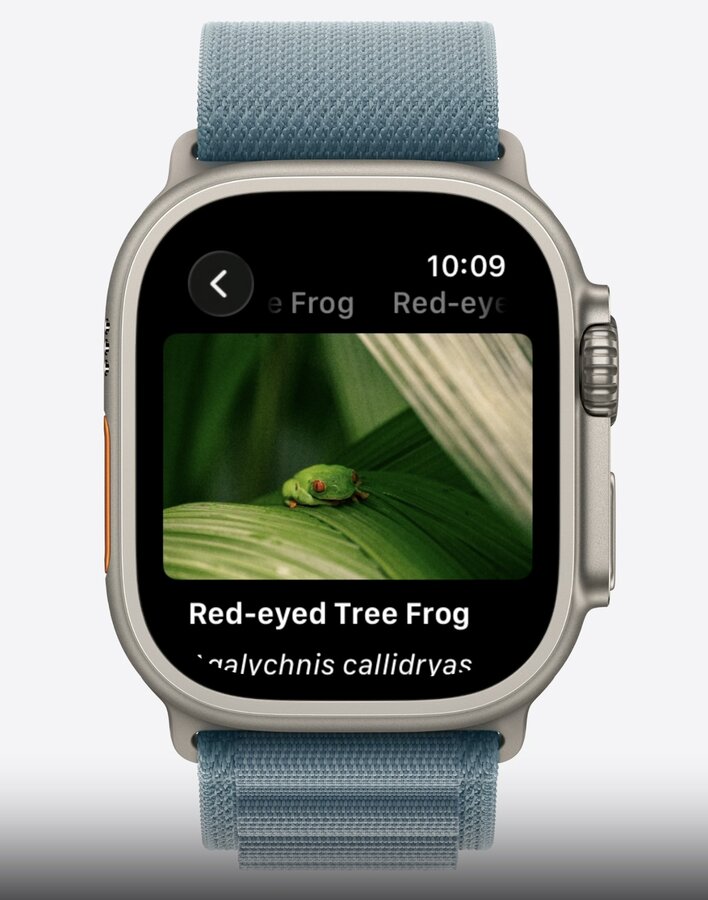
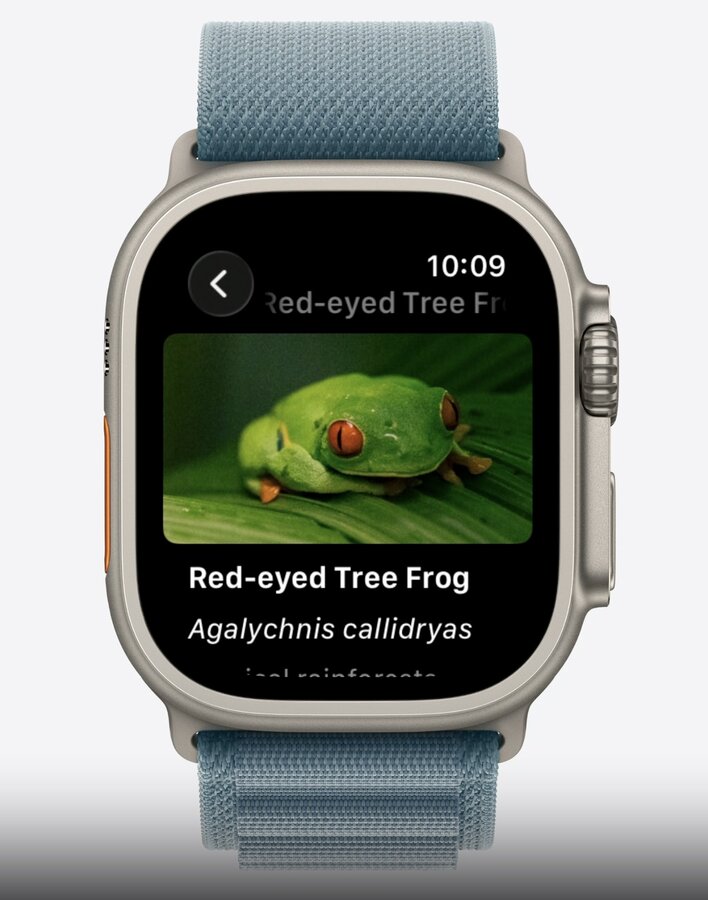
func generateImageCrop(in image: CGImage) async throws -> NormalizedRect? {
    let request = GenerateObjectnessBasedSaliencyImageRequest()
    let observation = try await request.perform(on: image)
    let prominentObjects = observation.salientObjects
    return prominentObjects.first
}