
New in iOS 13
An app can present a
UIDocumentPickerViewControllerto let the user pick a folder (previously it was possible to pick only one file). After validation, the app will be granted recursive access to the directory as well as all of its contents.The app can now set the default directory that is shown on the document picker when presented.
In the Settings.app’s Privacy section a user can revoke access to an app folder at any time. Our app must make sure that this is handled gracefully.
File System/Drives Support
Support for USB and SMB
Supported File Systems on USB drives:
APFS
HFS+
FAT
ExFAT
All apps built against the iOS 13 SDK get automatic USB/SMB support when using:
No further action required.
Important iOS 13 Changes
Make sure the app file access is rock solid by being prepared for:
Multiple volumes
Volumes that can suddenly disappear
Slower file system operations
File systems with varying capabilities
Always test using an external USB thumb drive or SMB server
File Thumbnails
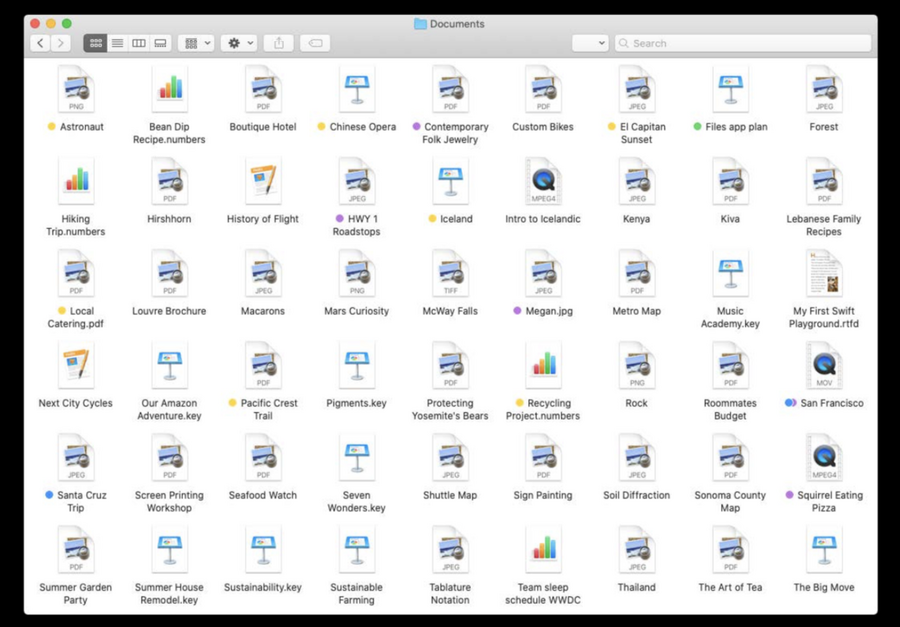
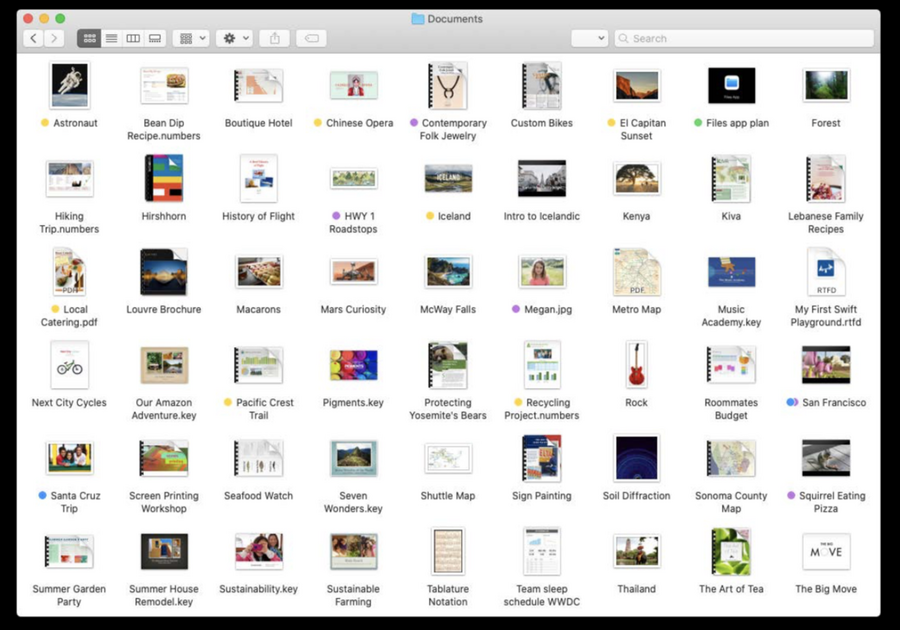
In iOS 13 we can fetch and display file thumbnails in our apps, thanks to a new cross-platform framework QuickLookThumbnailing.
This framework lets us go from left to right:
 |  |
|---|
In short, it lets us show previews for several file types (iOS and macOS already provide previews for most of the popular extensions).
Use Quick Look to edit images, PDF, and videos (iOS only).
With iOS 13 users can edit files directly from the preview (see Introducing PencilKit for more).
Videos can be cropped and rotated in the preview (if we enable so).
