
XCFramework
A XCFramework is multiple binary frameworks in one package.
You can bundle:
a variant of the framework for each target (iPhones, Simulators).
a variant of the same framework for different platforms:
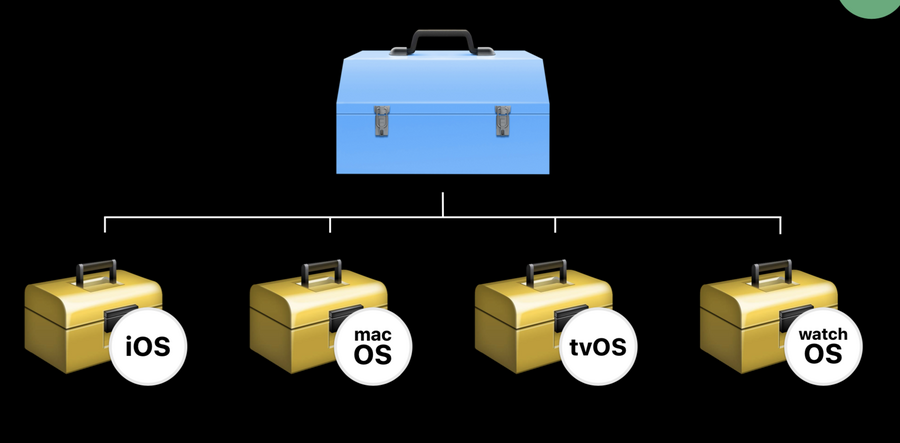
We can also have variants with different dependencies as well:
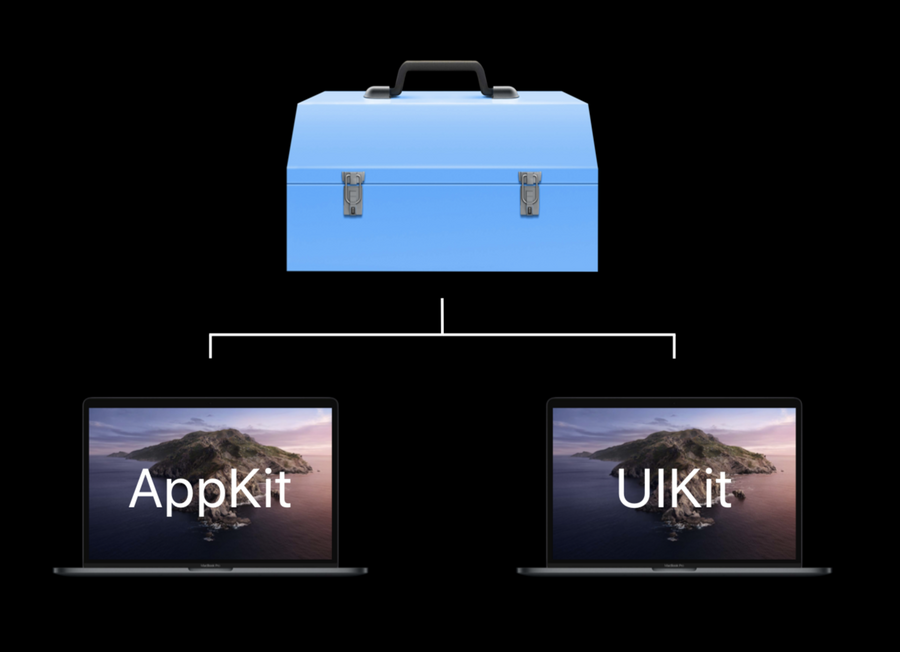
XCFrameworks support both Swift and “c-based” code.
How do XCFrameworks work?
Like another binary, but the header is a new Swift Module Interfaces type, which, kind of like the Package.swift file for SPM packages, contains information on the required compiler version and a full list of public classes and methods available from within the framework.
How to create a XCFrameworks
We have a new setting:

In order to release a binary we need to archive the framework (a.k.a. build in release mode) and the output will be available in the organizer.
The default path is
/Users/YOURUSERNAME/Library/Developer/Xcode/Archives

We can change the output path in Xcode Locations from the preferences window.
After archiving different frameworks we can create a final
.xcframeworkby using the command line:
xcodebuild-create-xcframework
  -framework [path]
  -framework [path]
  ...
  -framework [path]
-output FlightKit.xcframework 