Thermal State Condition
can set one of the following: fair, serious, critical.
lets us analyze our app behavior in these states.
The device does not actually get warmer.
Useful if we observe and behave differently when we have different thermal states.
We have a new thermal state in the Debug Navigator.
To override this setting we must go in the Device and Simulator window, choose a device and then we can set the condition:
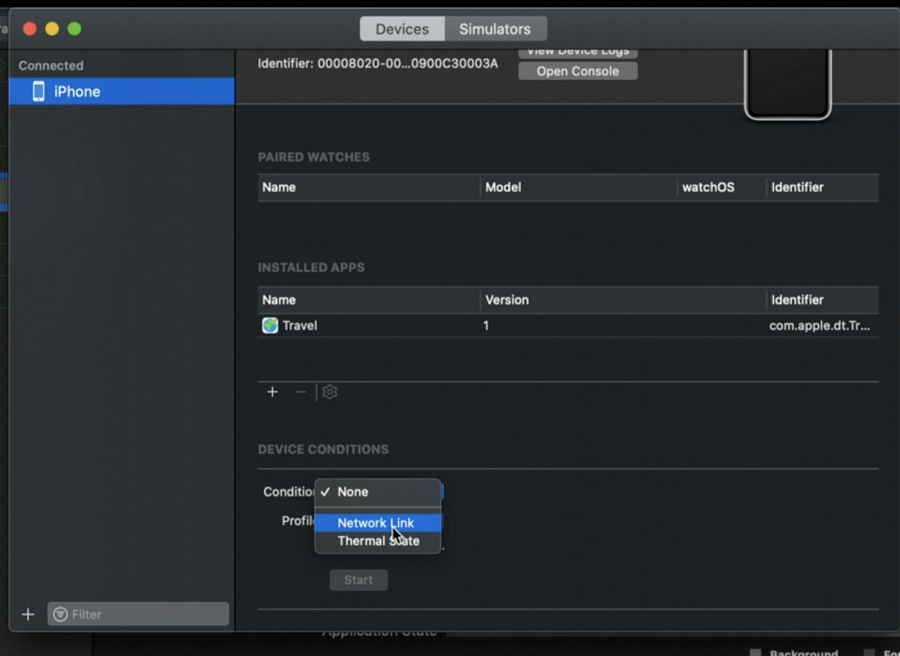
In the device itself we will see the condition in the background filler around the time (like we see now when we have an active call, also called status bar indicator)
To stop the condition we can:
quit Xcode
disconnect the device
Go back in the Device & window
Tap on the status bar indicator
Network Link Condition
Updated with new range of options, same as above.
Environment Overrides
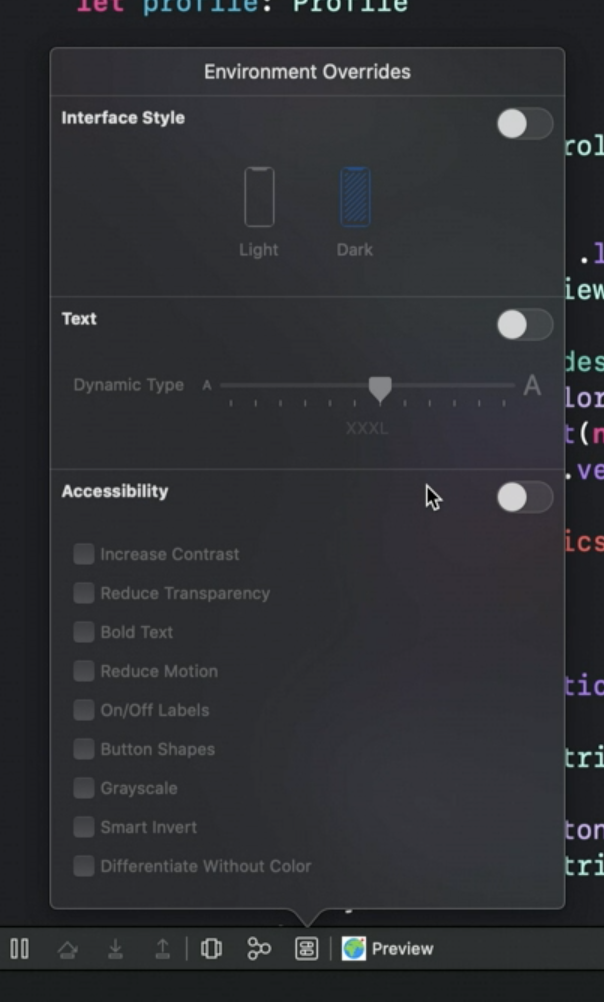
You can change things like:
Interface appearance
Dynamic Type
And Accessibility Options
You can use them both while Debugging the simulator or while debugging a SwiftUI live view.
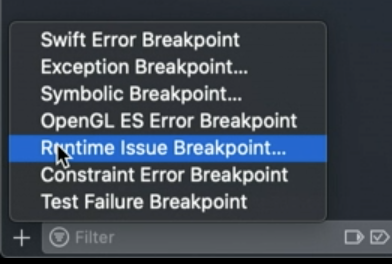
New Run Time Issue Breakpoint
Debugging SwiftUI Live Previews
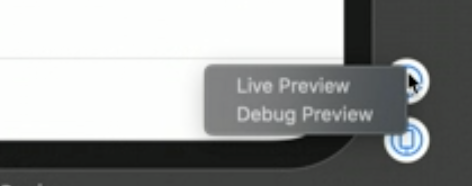
Control+clickon the play button to choose to debug a preview, then it behaves like a normal debug session.Do not change the window where the previewed view is, or the debugging session will disappear instantly.
 ##SwiftUI Runtime Issues
Equivalent to auto layout issues or when we try to change our UI from a background thread, they point out issues of our SwiftUI usage.
These are shown even when debugging SwiftUI Live Previews, in fact the live preview is a mini-app where we only focus on that view. (Every change builds and runs that view, it’s not really “live”)
You can also refresh a SwiftUI preview via shortcut ⌥⌘P.
UI Debugger Enhancements
CustomReflectableProtocolUse this protocol in your view to show the data you need while debugging in the UI Debugger Inspector
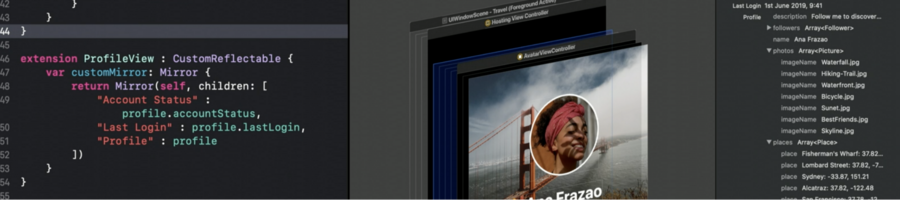
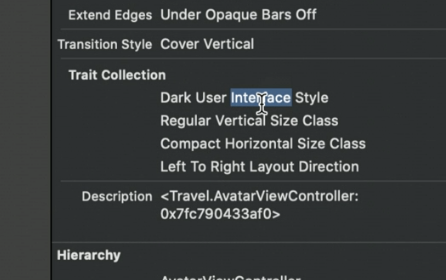
Trait Collections in the UI Debugger
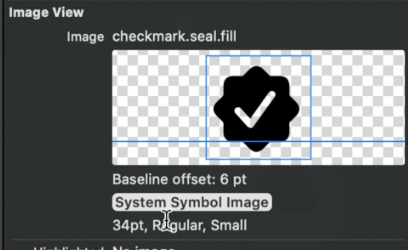
Named Assets: For image views, we get image name and other info if it’s a symbol image:
 The same for colors, now we get the color name displayed .
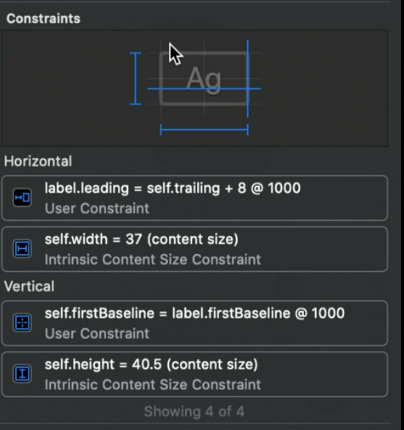
Constraints: the constraints view in UI Debugger also look much better and similar to interface builder: