
All performance work should be based on measurement
Make sure to improve performance on features used by all users instead of edge cases
Two tests to do:
Unit tests:
Focused benchmarks
Isolate issues
Pinpoints regressions
Integration Tests
Measures user experience
Measures dependencies
Measures side effects
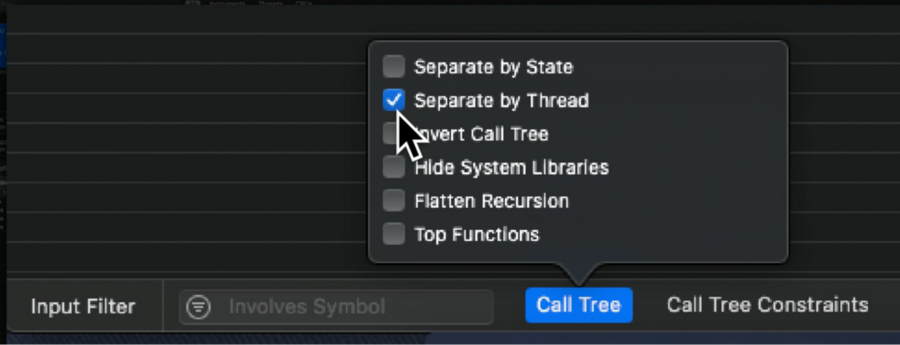
Use the Time Profile
On the bottom left, you have several filters, use them to best accommodate your necessities (to visualize just the things you care about)
How fast your application has to be to be considered instant?
Apple considers an app instant when it is ready to be used as soon as the zoom animation from the home screen (when you tap the icon) is completed. This takes between 500ms to 600ms.Be lazy, proactive, constant (regardless of the amount of data we need to load), and timely (no drop frames!)
Things to analyze/do:
On launch:
Load database early
Review the queries done during launch
Ensure required queries are efficient as possible
Evaluate if information is really needed during launch
Storyboards:
Ensure only the visible views are loaded (I’m sooo guilty on this one)
Do as little work as possible in the initializers
On the visible views
Load only the needed data synchronously
Schedule preheating of the remaining data asynchronously (on background threads)
Cache information
Practical Approaches to Great App Performance
All apps benefit from a focus on performance and an increase in overall responsiveness. This information packed session gives you strategies for fixing performance problems using Instruments and other tools. Additionally, get practical advice based on experience in tuning Apple’s own apps including Xcode and Photos on iOS.
Missing anything? Corrections? Contributions are welcome!
Written By

zntfdr