
Feature set
Paginated text
Text in columns
Text wrapping (see butterfly in session below)
Rich Text editing (attributed strings)
Interactive text coloring (while typing)
Text folding (show/hide paragraphs without changing the body text)
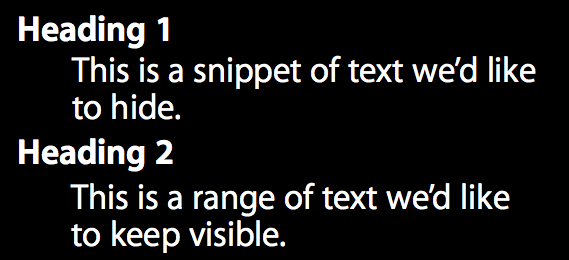 | 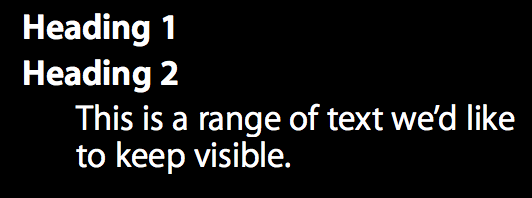 |
|---|
Custom truncation

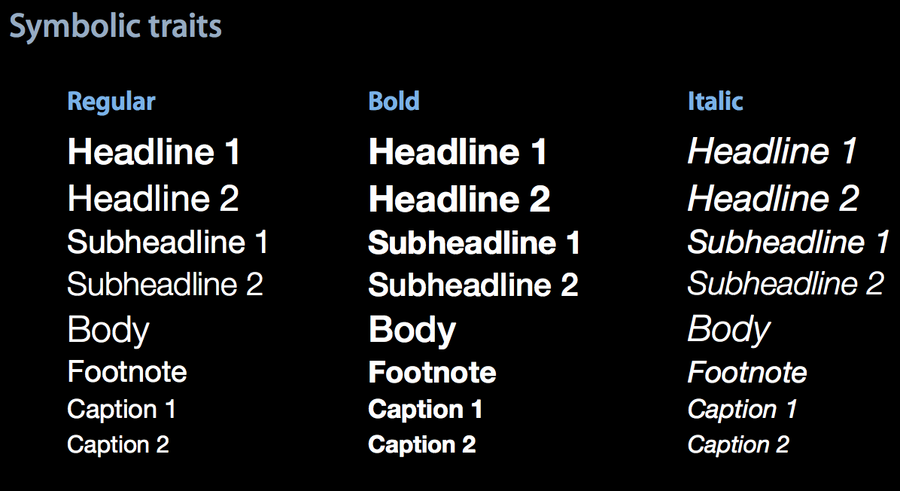
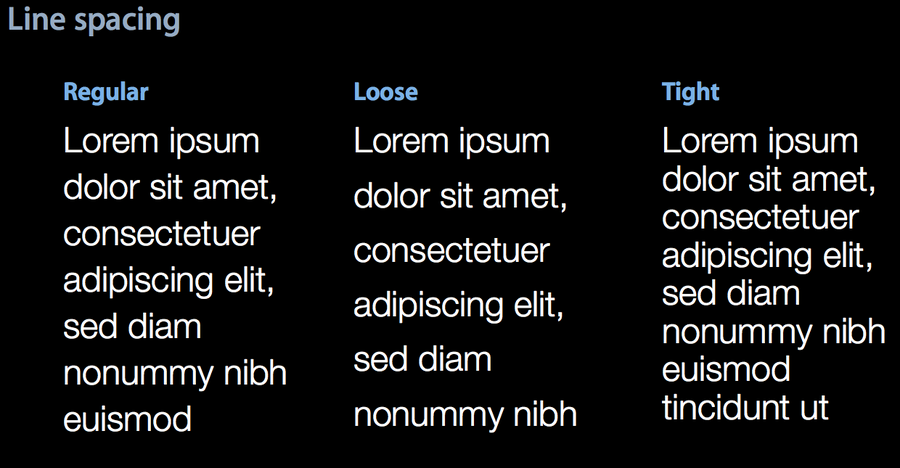
So..looks like many things that we can achieve twisting the
UIFontactually should be done viaUIFontDescriptor. Such as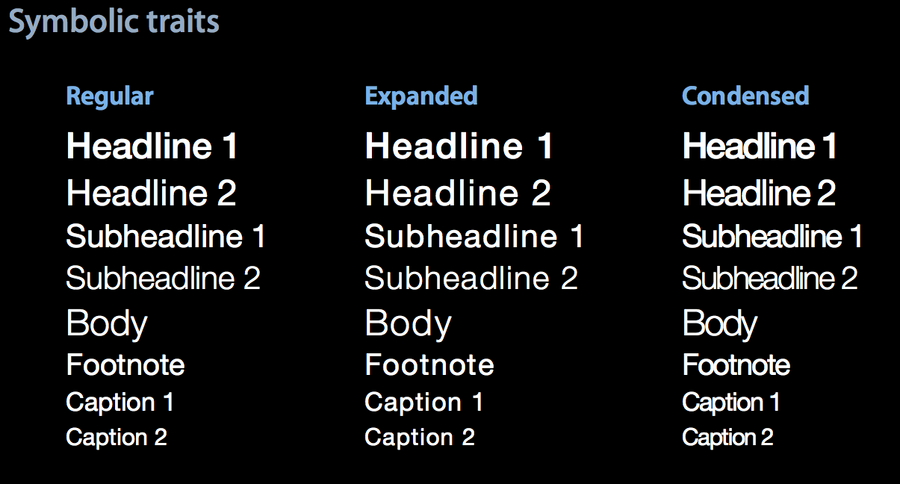
Exclusion Paths
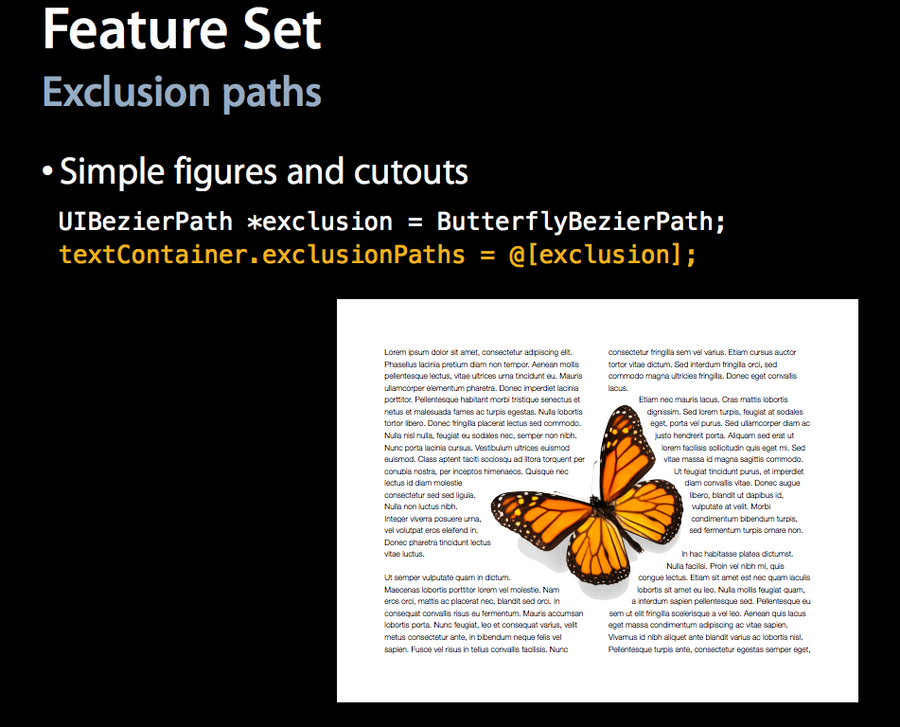 Note that the exclusionPaths can be changed in real time!
Look at what this guy does at 26mins and 50 seconds! (it’s a fixed
Note that the exclusionPaths can be changed in real time!
Look at what this guy does at 26mins and 50 seconds! (it’s a fixed bezierPathof the butterfly shape, that moves according to the pan gesture)Links: We can turn any arbitrary text range into a link (both logically and visually) now using
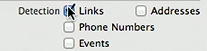
NSLinkattribute: obviously you will also need to pass the URL.Data Detectors: We can use data detectors to detect locations, URLs, dates and more in arbitrary text. This can be even done automatically in a storyboard 🤣
Text Attachments: Used usually for inline images, attachments live inside of the
NSTextStorage. Attachments change the geometry that the layout manager uses to flow text into.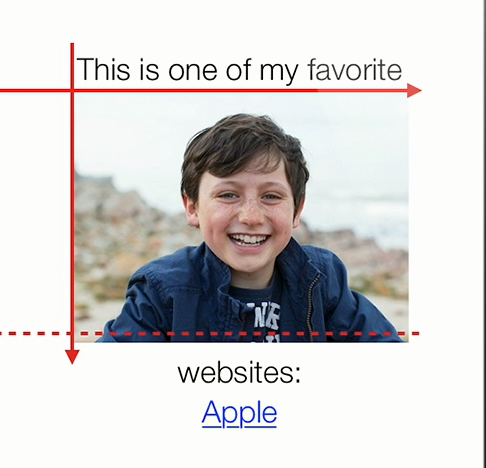 If the user long press into the attachment, it will be prompted to save the attachment (in the camera roll for example)
Delegation: We can decide which text is interactive by being the textViewDelegate and expose the
shoudInteractWith…function. This way we can also change the default iOS interaction with something custom for our app.
UITextView Composition
See session 220 for an introduction regarding the three TextKit classes.
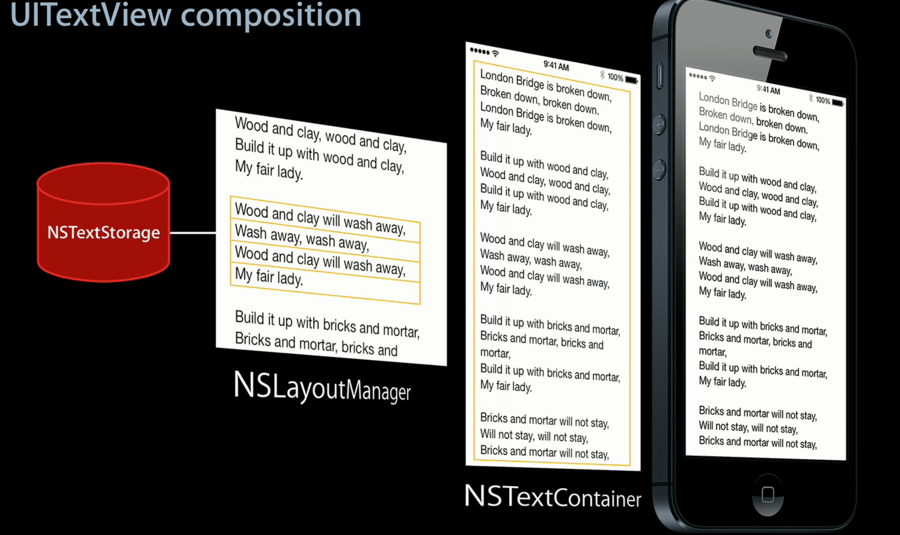
The first thing you’re going to see when you pull apart a
UITextViewis theNSTextContainerinstance.NSTextContaineris giving theNSLayoutManagerthe bounds, the geometry to render the text into.And
NSLayoutManageris taking all of the text from yourNSTextStorageand turning it into lines of glyphs inside of yourTextView.
